
Black Friday Janitor Patch v1.0.5 — Latest Update Guide 2026
Black Friday Janitor patch v1.0.5 adds shelf pickup key rebinding, back-to-front placement, improved mall-load stability, and label fixes.
Released on September 24, 2026, Black Friday Janitor patch v1.0.5 focuses on shelf interaction and mall-loading stability. You can now rebind the shelf pickup key, most items are placed back to front on shelves, and the loading change tested in the v1.0.4-experimental branch is now in the public build. The patch also fixes several item-label typos. The older v1.0.4 color-distribution rule still matters for existing saves, so it helps to keep the two updates separate.
Updated September 26, 2026 · Current public version: v1.0.5. This article follows the developer’s official Steam announcement and sticks to behavior described in those notes.
Table of contents
- What changed in Black Friday Janitor patch v1.0.5?
- Can you rebind the shelf pickup key now?
- How does back-to-front shelf placement work?
- What changed with mall loading and crash stability?
- What do the item-label fixes change?
- v1.0.5 vs v1.0.4: what is actually different?
- Do you need a new save for v1.0.5?
- What should you do after installing v1.0.5?
- What did v1.0.5 not change?
- Sources and further reading
What changed in Black Friday Janitor patch v1.0.5?
Patch v1.0.5 contains four documented changes:
| v1.0.5 change | Official behavior | Practical effect |
|---|---|---|
| Shelf pickup key rebinding | The key used to pick up from shelves can now be rebound | Better control customization for repeated shelving work |
| Back-to-front shelf placement | Items are placed back to front unless they have multiple colors | More predictable shelf filling for most product types |
| Mall-loading stability change | The v1.0.4-experimental loading change is now included | Helped improve loading crash stability for some users |
| Item-label typo fixes | Several label typos were corrected | Cleaner labels and less text confusion |
The announcement adds no new stores, abilities, achievements, task categories, or completion objective. Its changes are limited to controls, shelf placement, loading stability, and labels.
If you are returning after the earlier launch-week changes, the v1.0.4 patch summary is still useful because the two updates solve different problems.
Can you rebind the shelf pickup key now?
Yes. The clearest player-facing change in Black Friday Janitor patch v1.0.5 is that the key used to pick up items from shelves can now be rebound.
The official store page advertises more than 21,000 items to shelve across the mall, so the pickup key gets used constantly. Moving it to a more comfortable key can make long shelving sessions easier.
The patch note does not say that every action received a new binding option. The confirmed change is specifically the key used to pick up from shelves, so do not assume v1.0.5 added a complete control-remapping overhaul.
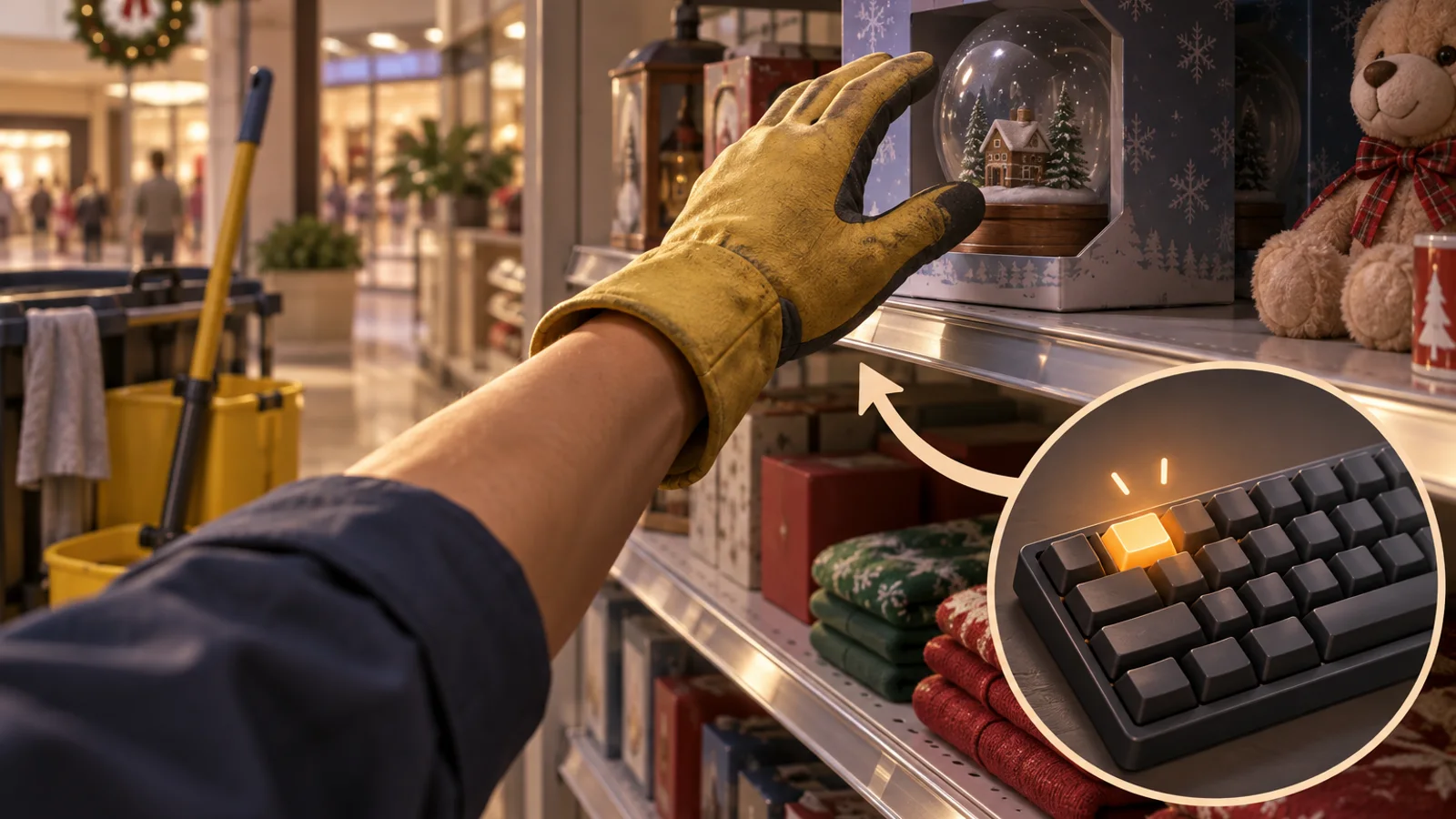
AI-generated editorial illustration. It explains the control concept and is not an in-game settings screenshot.
When should you change the shelf pickup key?
Try a different binding if the current key causes finger strain, conflicts with another frequent action, or slows down your shelf routine. Pick a key you can reach comfortably while moving and organizing products.
For the rest of the basic interaction loop, the Black Friday Janitor beginner guide covers shelving, trash, spills, fallen objects, saving, and the main launch-week mechanics.
How does back-to-front shelf placement work?
The second v1.0.5 change makes shelf placement more predictable. The developer says items will now always be placed back to front on shelves unless the item has multiple colors.
For most products, shelf filling should now use the deeper positions before the front ones. A partly filled shelf should therefore be easier to read when you are deciding where the next product will go.
The exception is important: multicolor items are excluded from the new always-back-to-front rule. The patch notes do not explain a replacement ordering algorithm for those products, so it would be inaccurate to claim that they sort by color, alternate colors, or follow a specific front-to-back pattern.
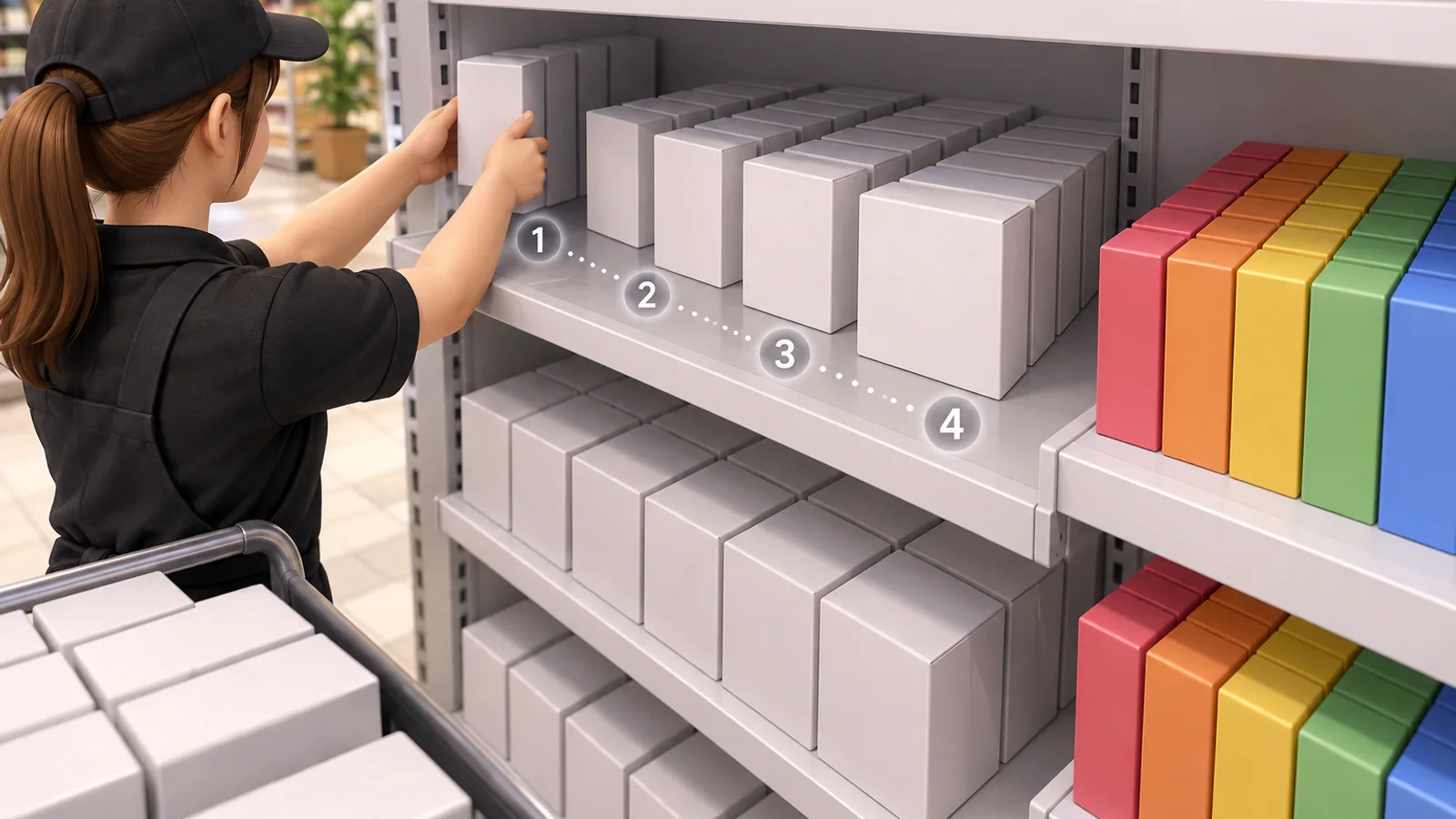
The shelf depth and color groups are explanatory artwork. They show the concept without claiming undocumented product positions.
Why does the multicolor exception matter?
Because v1.0.4 already changed how color variants are generated. On new runs, applicable products receive a more even color distribution. Existing saves keep the color assignments they had when the run was created.
That older rule is separate from v1.0.5 shelf placement. If your goal is visually balanced color variants, read the v1.0.4 update before restarting a save. If your goal is simply the new shelf pickup binding and the general placement behavior, the v1.0.5 notes do not describe those features as new-run-only.
What changed with mall loading and crash stability?
v1.0.5 also includes the mall-loading change previously tested in the v1.0.4-experimental build. According to the developer, it helped improve crash stability when loading the mall for some users.
The developer only claims an improvement “for some users.” The notes do not say every loading crash has been eliminated.
AI-generated editorial artwork. The clean transition into the mall is a visual metaphor for loading stability, not a benchmark or crash-rate chart.
What should you do if the game still crashes while loading?
First confirm that Steam has actually updated the game to v1.0.5. If the problem continues, treat v1.0.5 as one stability improvement rather than proof that the issue must be elsewhere. Record when the crash happens, whether it occurs before or after entering the mall, and whether it reproduces consistently before reporting it.
For gameplay situations where the game loads normally but a store counter remains incomplete, use the missing tasks and hard-to-find items guide instead. A stuck cleanup counter and a loading crash are different problems and need different troubleshooting.
What do the item-label fixes change?
Patch v1.0.5 also fixes a few typos in item labels. The developer does not list every corrected label in the public announcement, so there is no verified before-and-after catalog to reproduce here.
Labels matter when the game asks you to identify and return thousands of products. Fixing spelling errors reduces the chance that a typo looks like a separate item.
If you encounter an object that still appears mislabeled, capture the exact item and location rather than assuming every naming problem was covered by this patch.
v1.0.5 vs v1.0.4: what is actually different?
The two newest patches cover different parts of the game:
| Version | Main changes | Save-specific detail |
|---|---|---|
| v1.0.4 | Even color distribution, safer cross-store Gather targeting, darker-box fix, cinema floor fix | Even color distribution applies to new runs only |
| v1.0.5 | Shelf pickup key rebinding, back-to-front shelf placement, mall-loading stability change, label typo fixes | Official notes do not state a new-save requirement |
The two versions also affect different parts of the cleanup loop. v1.0.4 changed product colors and Gather behavior; v1.0.5 changes shelf interaction and promotes a tested loading-stability improvement.
If Gather is your problem, use the dedicated Gather ability guide. v1.0.5 does not announce another Gather range or targeting change.
Do you need a new save for v1.0.5?
The v1.0.5 announcement does not say that you need to start a new run for its shelf-control, placement, loading, or label changes.
v1.0.4 is the update with the save-specific restriction. Its even color distribution works on new runs only, while existing saves retain the original colors assigned to their items.
For each change:
- Want the v1.0.5 shelf pickup rebinding? The patch notes do not describe it as new-run-only.
- Want the v1.0.5 back-to-front placement behavior? The patch notes do not describe it as new-run-only, though multicolor items are the stated exception.
- Want v1.0.5’s mall-loading change? It is a game loading change, not described as a save-generation feature.
- Want v1.0.4’s evenly distributed color variants? Start a new run; existing saves keep their original colors.
Do not delete a long-running save just because v1.0.5 installed. Restart only if you specifically want the older v1.0.4 new-run color behavior or have another independent reason to begin again.
What should you do after installing v1.0.5?
A short check is enough to see whether the update affects your current run.
Step 1: open controls and test a shelf pickup rebind
Choose a comfortable key, then pick up several products from a shelf. Confirm the new binding works consistently before changing other controls around it.
Step 2: watch how a normal single-color product fills shelf depth
Place several matching items and check whether the shelf now fills from back to front. Use a product without multiple colors so you are testing the rule the patch actually documents.
Step 3: treat multicolor products as the exception
Do not use a multicolor product to “prove” the back-to-front rule is broken. The patch explicitly excludes those items from the always-back-to-front behavior.
Step 4: test your normal mall-loading path
If you previously had intermittent loading crashes, play through the same transition a few times. A successful load is encouraging, but only repeated use can tell you whether your specific crash pattern improved.

The current-version graphic combines the patch’s main player-facing themes. It is editorial art, not a composite of official screenshots.
If you are working toward full completion while testing the update, the Black Friday Janitor 100% walkthrough keeps the 18 store, 4 mall-area, and final-cleanup checks in one route.
What did v1.0.5 not change?
The announcement does not include any of the following:
- No new store or mall area.
- No new achievement.
- No new ability or ability level.
- No new Gather radius value.
- No statement that cross-store Gather pulls were completely eliminated. That remains a v1.0.4 “much less likely” change.
- No new-save requirement for v1.0.5. The explicit new-run restriction belongs to v1.0.4’s color distribution.
- No claim that all loading crashes are fixed. The developer says the loading change improved crash stability for some users.
That distinction is useful for troubleshooting. If you are chasing the last few cleanup tasks, continue with the missing-task troubleshooting guide. If your question is how long a full run may take under the current version, see the Black Friday Janitor completion-time guide.
Sources and further reading
- Official Black Friday Janitor Patch v1.0.5 announcement
- Official Even Color Update — Patch v1.0.4
- Black Friday Janitor on Steam
On the current public build, v1.0.5 makes shelf interaction more configurable and predictable and brings the tested mall-loading change into the main release. The v1.0.4 new-run color rule still applies separately, so older color assignments are not evidence of a v1.0.5 problem.
FAQ
What is the latest Black Friday Janitor patch?
Can you rebind the shelf pickup key in Black Friday Janitor v1.0.5?
Does v1.0.5 place items from back to front on shelves?
Does Black Friday Janitor v1.0.5 fix mall loading crashes?
Do I need a new save for patch v1.0.5?
Related Articles
Was this helpful?
Thanks for the feedback!