
Black Friday Janitor: Clean the Whole Mall 100% Walkthrough
Stuck on the last few tasks? Track all 18 stores and 4 mall areas, check Gather changes, and work through missing-task and 100% completion checks in v1.0.4.
If the mall looks clean but your run still is not complete, stop doing another blind sweep. Work one store at a time: clear the floor, finish the shelves, check what the store still counts as unfinished, then inspect the boundary before moving on. The 18 store achievements and four area achievements can narrow the recheck list. The 30,000-task achievement is a separate milestone, not the full-mall finish.
Updated September 19, 2026 · Game version v1.0.4. This update includes the current Gather behavior, task-achievement fixes, and the new-run item-color change.
Black Friday Janitor walkthrough at a glance
| Fact | Current value |
|---|---|
| Items to shelve | 21,000+ |
| Trash to collect | 10,000 |
| Spills to clean | 500 |
| Fallen objects to stand up | 300 |
| Named-store completion achievements | 18 |
| Area completion achievements | 4 |
| 30,000-task achievement | A job almost done |
| Full-mall completion achievement | Custodian of the Year |
A practical sequence is: finish one store → check the remaining task type → inspect the boundary if needed → use store and area achievements as checkpoints → sweep shared mall spaces last.
How should you approach the whole mall?
To keep the search manageable, use store first, area second, mall last. Finish one clearly bounded location, check what is still unfinished, then move on. After several stores, sweep the connecting corridor or wing. Leave the broad mall-wide search until the store and area achievements have narrowed down what is still missing.
The official Steam description gives the scale of the job:
| Task type | Official quantity |
|---|---|
| Items to shelve | 21,000+ |
| Trash to collect | 10,000 |
| Spills to clean | 500 |
| Fallen objects to stand up | 300 |
Those numbers show the scale of the cleanup, but they do not tell you where the final missing task is. There is no published fastest store order, so pick an accessible store and finish it before spreading the search across the mall.
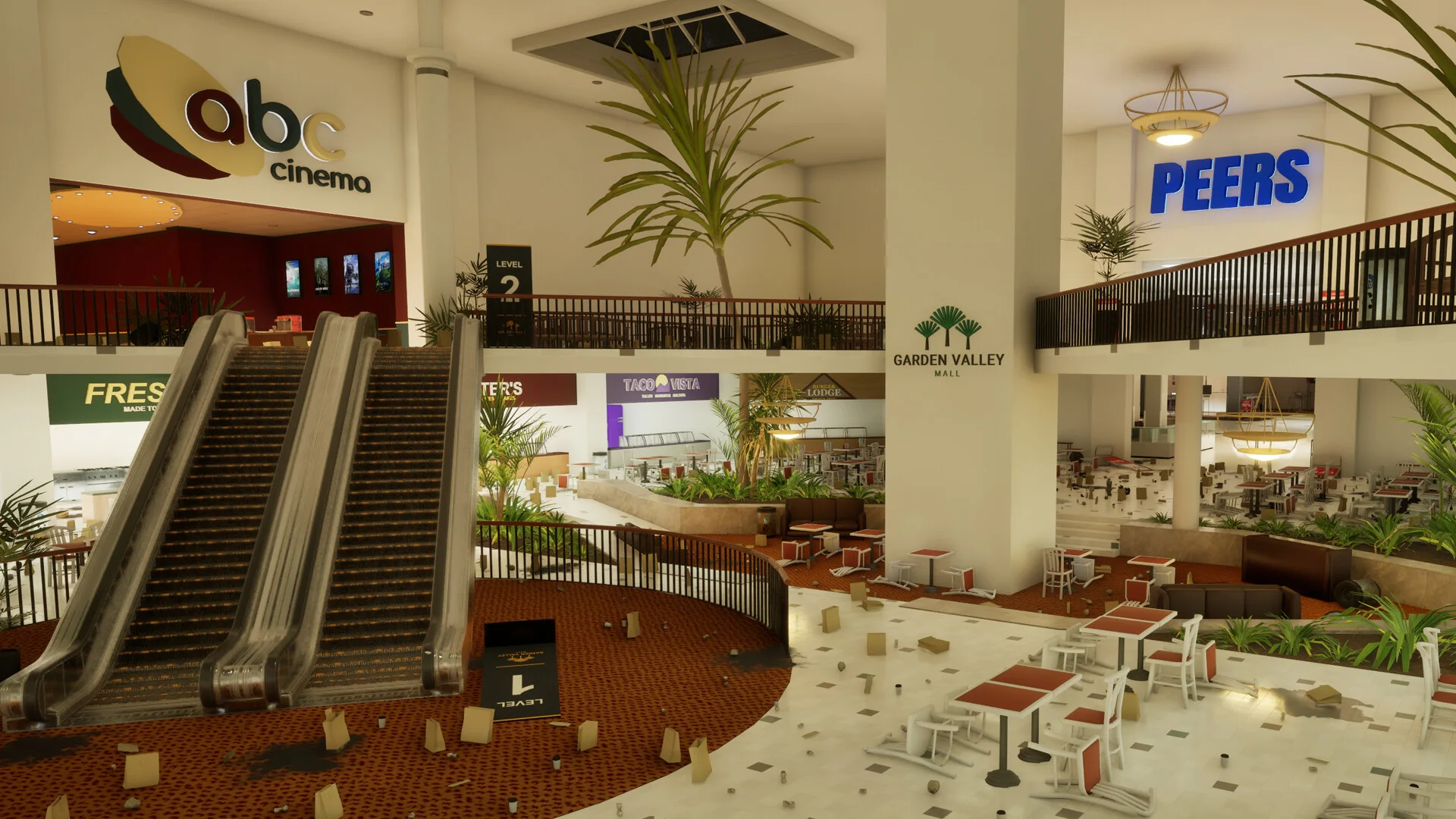
Garden Valley Mall overview showing the scale of the cleanup job.
Use four progress phases
- Store clear: finish one named store and confirm its task categories.
- Boundary check: inspect the entrance and nearby shared space before leaving.
- Area sweep: return to the connecting wing or public area after several stores.
- Mall sweep: use remaining achievements and counters to isolate the final incomplete locations.
The point is to keep each unfinished task tied to a store or area. If you jump between locations too early, you end up with more places to recheck at the end.
What is the four-pass store cleanup method?
For a crowded store, split the cleanup into four passes so you are not trying to spot every task type at once.
Pass 1: clear movement blockers
Stand up obvious fallen objects, remove large visible trash, and clear the walking lanes before doing shelf-by-shelf work. You are not trying to finish the store on this pass; you are making the remaining clutter easier to spot.
Pass 2: remove floor-level cleanup tasks
Collect trash and clean visible spills while the floor is easy to scan. If the store still shows trash or a spill afterward, recheck blind spots, the storefront boundary, and anything hidden by displays before widening the search.
Pass 3: finish shelving deliberately
Return misplaced products to the correct displays and use destination cues rather than guessing. The beginner guide explains the basic task loop, while tips and common mistakes covers Gather behavior and shared-item pitfalls that can make shelf work confusing.
Pass 4: verify before leaving
Before moving on, check the remaining task type and compare it with what you can still see. If the store is not complete, troubleshoot that task type first instead of wandering the entire mall.
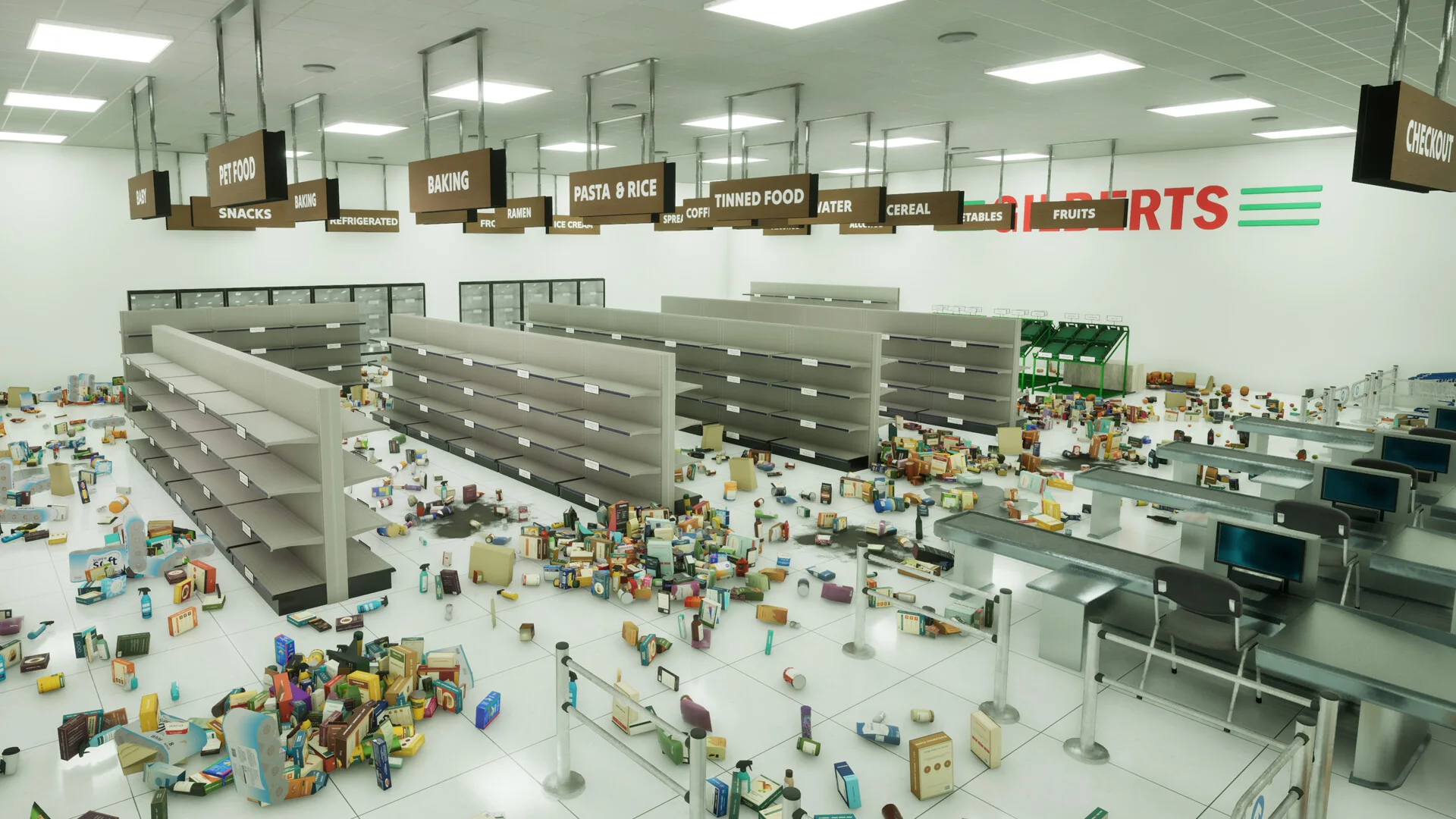
A cluttered store interior showing why separating cleanup into passes reduces visual overload.
How do you diagnose the remaining task type?
When the store counter stops moving, use the unfinished category to decide where to look next:
| Remaining task | First recheck | Expand the search only if needed | Do not assume |
|---|---|---|---|
| Shelving | Shelf labels, destination cues, and loose products near the correct display | Store edges and shared-item boundaries | A failed Gather pull means the item must be missing |
| Trash | Floor-level clutter, corners, display edges, and the storefront threshold | Just outside the visible entrance; for stubborn stores, widen the search to upper or wider nearby areas | Every store has the same hidden trash spot |
| Spills | Walkable floor, aisle edges, and visually busy areas you may have crossed quickly | Re-scan the store perimeter and entrance before leaving the area | Every hard-to-see spill has a known fixed location |
| Fallen objects | Aisles, displays, and obvious objects that should be upright | Recheck the perimeter and threshold after floor clutter is gone | An object is bugged simply because it is difficult to spot |
After clearing one likely task, check the store counter again. If it changes, keep searching that category nearby. If it does not, note the store, remaining category, count, and game version, then move to the store-specific checks in the missing tasks guide.
Which stores should you track for 100% completion?
Steam lists 18 named-store completion achievements. Treat those stores as completion checkpoints rather than a required route order:
| Store | Completion achievement |
|---|---|
| Hats & Things | Certainly lives up to the name |
| Fifth Avenue | Uptown Girl |
| Appliances Galore | My back hurts |
| Everyday Basics | Back to basics |
| Sandpiper Shoes | Why does a sandpiper need shoes? |
| Looksee | Take a looksee |
| Lime Tech | The RAM is worth more than the mall |
| Specialty Jewels | They won’t notice just one gone |
| Home Run | Hit a home run |
| The Boardroom | Suits me |
| Lavenne Beauty | They’ve got something for just about everything |
| ABC Cinema | Absolute Cinema |
| Verdara | Smells pretty nice |
| The Tailored Man | One size doesn’t fit all |
| The Luxury Store | We CAN have nice things! |
| Art & Craft | I hope I didn’t get any paint on the carpet |
| Gilberts | Clean up on aisle zero |
| Peers | Peerless |
If one of these store achievements is still missing, that store belongs on your recheck list. The all 33 achievements reference has the full set of store, area, task-count, level, and mall-wide achievements.
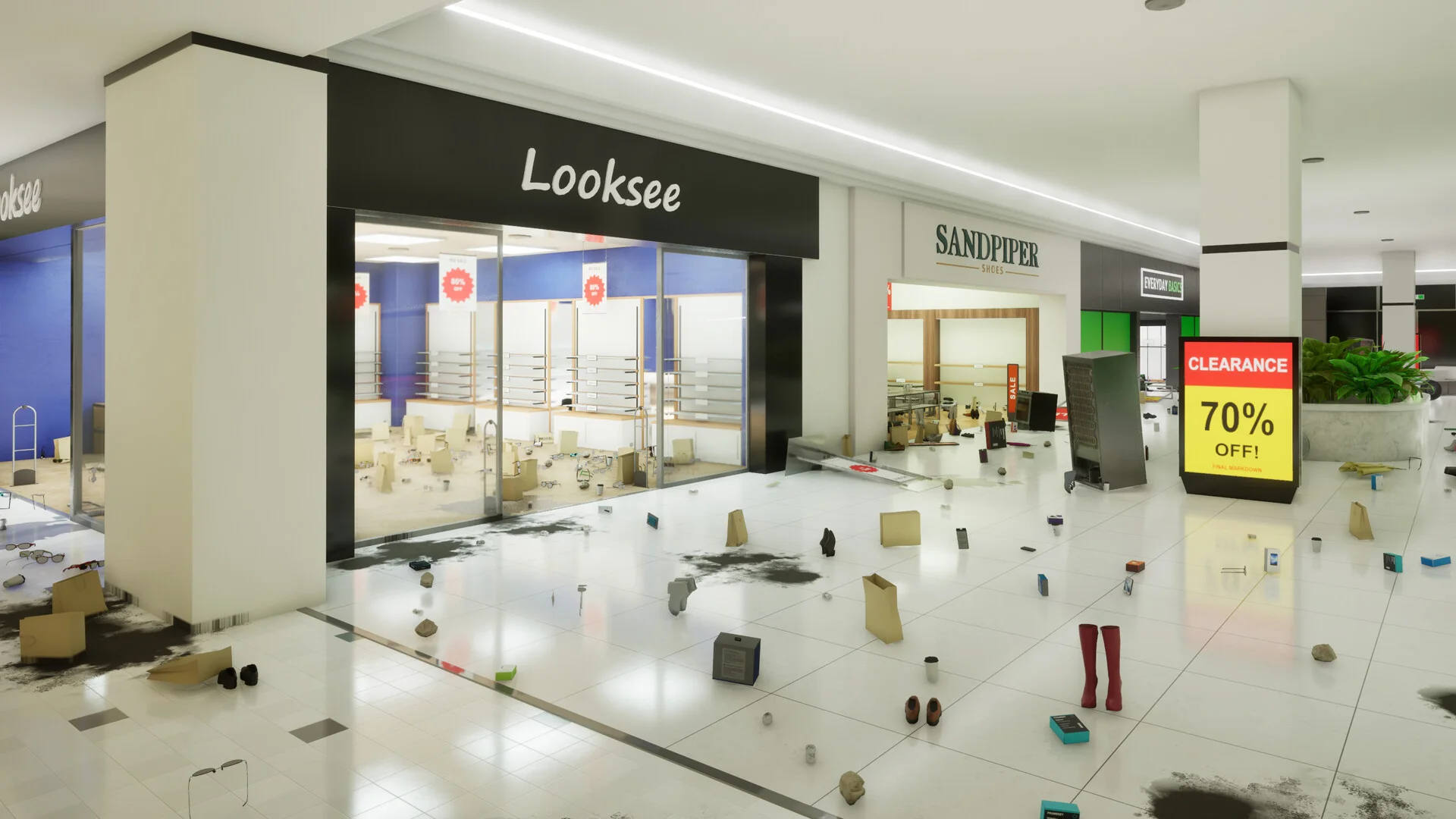
Looksee and Sandpiper are two of the named stores tracked by store-clear achievements.
How do Gather and v1.0.4 affect the walkthrough?
Gather changed during the launch-week patches, so older advice can be misleading. v1.0.1 changed early-level range and feedback; v1.0.4 changed cross-store targeting and item-color distribution.
| Version | Confirmed change | Practical effect |
|---|---|---|
| v1.0.1 | Larger Gather radius at early levels; added feedback for out-of-range targets or a full inventory | Check range and inventory before assuming an item is missing |
| v1.0.3 | Fixed an issue with task-count achievements | Older reports about milestone failures may no longer apply |
| v1.0.4 | Gather is much less likely to pull a shared item from another store | Cross-store pulls are reduced, not stated to be impossible |
| v1.0.4 | Applicable item colors are distributed evenly on new runs | Existing saves keep their original assigned colors |
The v1.0.4 even color distribution applies to new runs only. Existing saves keep the colors that were assigned when the run was created.
For the exact current change list, use the site’s v1.0.4 patch notes.
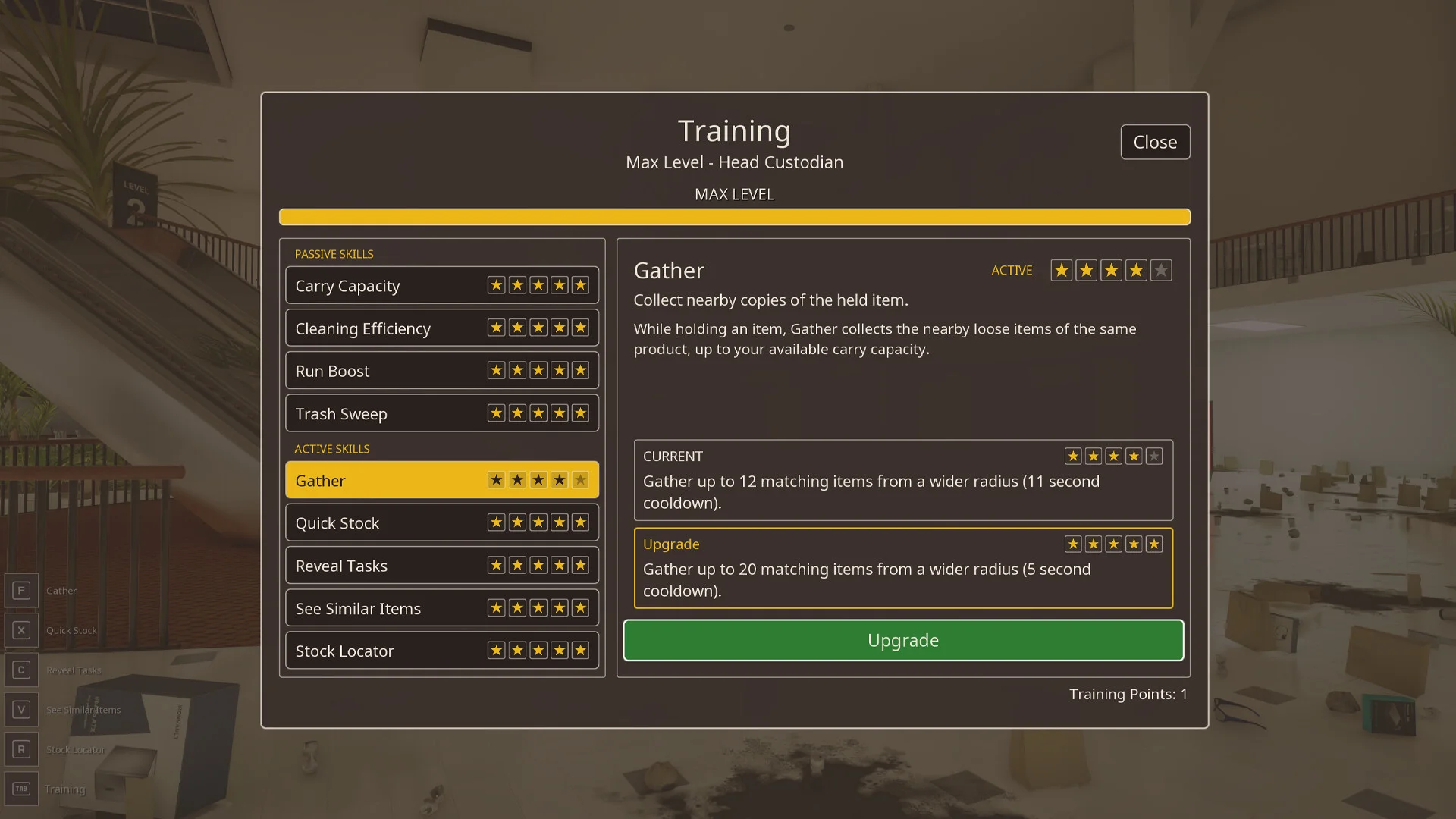
The in-game Training menu shows Gather as an active skill with upgradeable range and capacity.
What should you do when a counter is stuck?
If a store is stuck near completion, check which task category remains before searching everything again. Trash, spills, shelving, and fallen objects each point you toward different places to recheck.
Check these spots before searching the whole mall again
- Check the unfinished task type and current count.
- Recheck the store entrance and the space immediately outside it.
- Scan corners, upper areas, display edges, and visually busy shelves.
- If you are using Gather, check its range and your inventory capacity.
- Clear one likely task and see whether the store counter moves.
- If it does not, note the store, remaining category, count, and game version before switching to store-specific checks.
If Appliances Galore is the problem, extend the search just beyond the visible entrance. If Gilberts is stuck, include the space outside the immediate shelving area and the upper sightlines. These are extra places to inspect, not fixed coordinates that apply to every save.
For a tighter troubleshooting sequence, use the missing tasks and hard-to-find items guide.
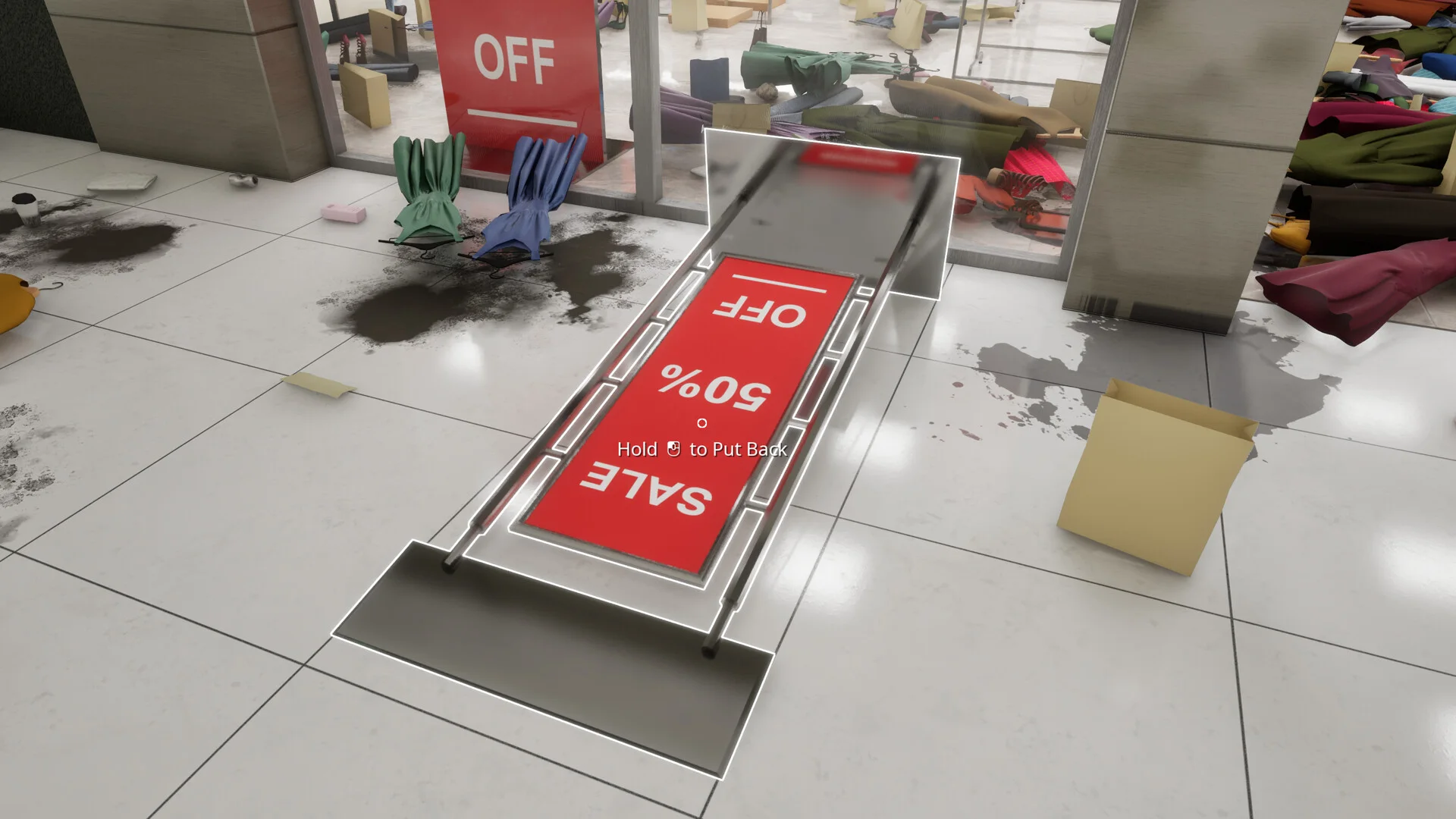
Use the remaining task category to decide whether to search floor clutter, shelving, spills, or fallen objects next.
How do you confirm the whole mall is actually complete?
Do not use the raw task total as the only completion signal. A job almost done is awarded at 30,000 completed tasks, while Custodian of the Year is tied to cleaning the entire mall. They are separate milestones, so store and area achievements are still useful when you are narrowing down what remains.
Four additional achievements track larger zones:
- A Warm Welcome — complete every task in the main area.
- South-Side — complete every task in the south wing.
- Where the Sun Rises — complete every task in the east wing.
- Still doesn’t smell that nice — complete every task in the restroom area.
For the final sweep:
- Check which named-store achievements are still missing.
- Check which area achievements are still missing.
- Revisit incomplete stores using the four-pass method.
- Sweep public connecting spaces after store work is complete.
- Treat the 30,000-task milestone as progress evidence, not the finish line.
- Use Custodian of the Year as the full-mall completion target.
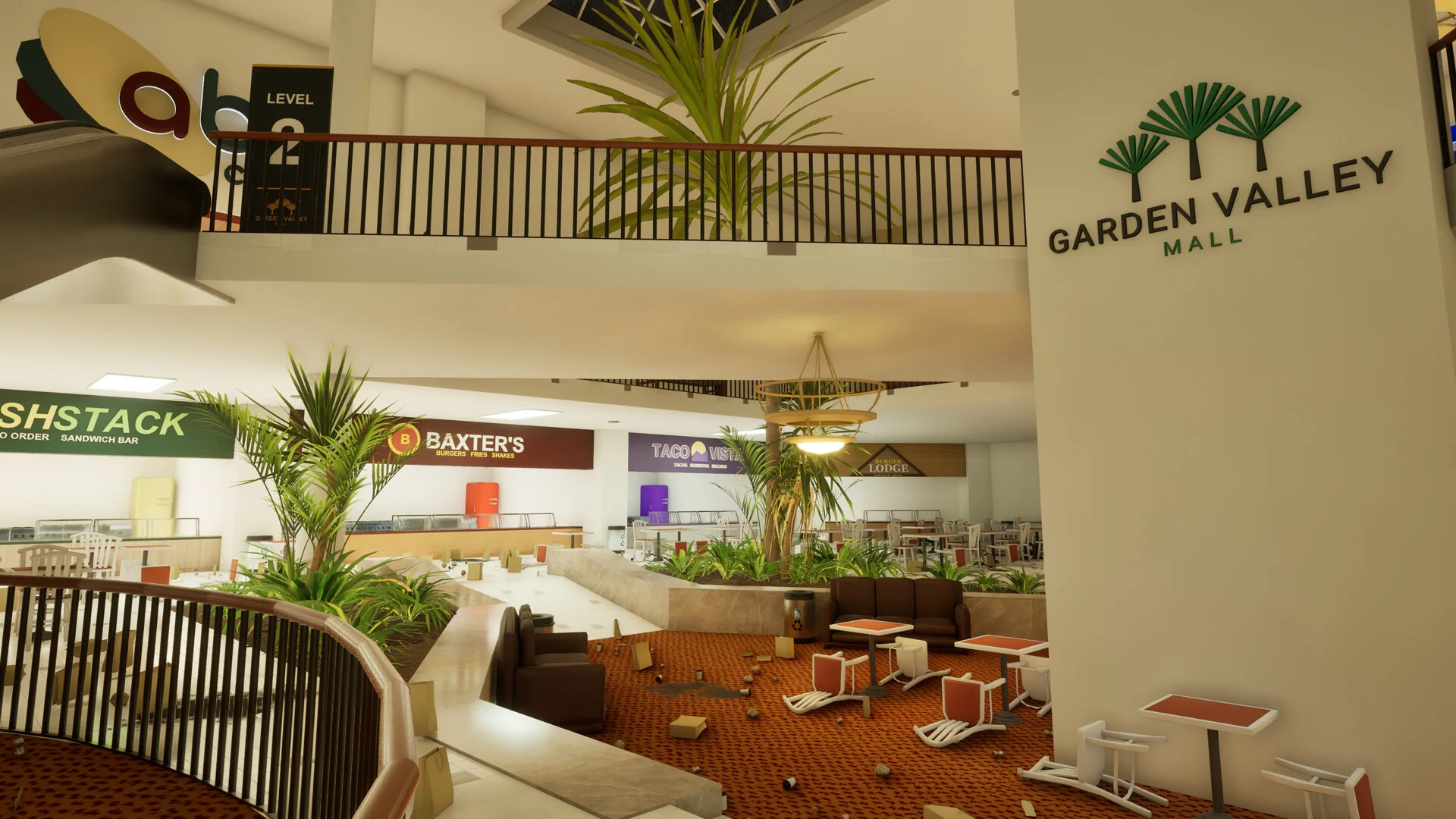
A mall-wide view is a reminder to sweep shared public space after individual stores are complete.
What mistakes make the last tasks harder to find?
These patterns can send you into unnecessary rechecks:
- Leaving a store without checking the remaining task category. That removes the task-type clue you need when you come back later.
- Assuming 30,000 tasks equals 100%. The achievement list shows that the 30,000-task milestone and full-mall completion are separate.
- Treating Gather as a universal locator. Range, inventory state, and shared-store behavior can all affect what happens.
- Following a single coordinate as if every save and store behaves the same way. Use the remaining task category and store boundary as the primary clues.
- Restarting just because you installed v1.0.4. A new run only matters if you want the new color distribution; existing saves keep their original colors.
- Rechecking the whole mall too early. Keep the search local while the store and area checks are still narrowing it down.
What should you read next?
- New to the cleanup loop? Start with the beginner guide.
- Gather behaving strangely or pulling the wrong item? Check tips and common mistakes.
- One store refuses to hit 100%? Open the missing tasks troubleshooting guide.
- Not sure which completion milestone is missing? Use the all achievements guide.
When only a few tasks remain, keep the search local until the store checks are exhausted; then move outward to the area and shared mall spaces.
References
FAQ
What should I clean first in Black Friday Janitor?
Does completing 30,000 tasks mean the whole mall is finished?
What should I do if a store is stuck at 99 percent?
Do I need a new save for the v1.0.4 color update?
Related Articles
guides
Black Friday Janitor Achievement Not Unlocking: Fixes 2026
Fix Black Friday Janitor achievement problems in 2026 by checking task milestones, store completion, game version, and the 30K/full-mall difference.
guides
Black Friday Janitor Gilberts Missing Task: 2026 Fix Guide
Find a missing Gilberts task in Black Friday Janitor with a careful 2026 search plan for wider areas, upper spots, shelf signs, and counters.
guides
Black Friday Janitor How Long to Beat — Completion Time Guide 2026
See how long Black Friday Janitor takes, with a reported 16–17 hour full clear, task counts, pace factors, and 100% completion tips.
Was this helpful?
Thanks for the feedback!