
Black Friday Janitor Gather Ability Guide — Tips & Fixes 2026
Learn how Gather works in Black Friday Janitor: radius, inventory-full feedback, cross-store targeting, and v1.0.4 troubleshooting.
Gather is one of the most useful abilities in Black Friday Janitor, but it can also be confusing when a loose product refuses to move, an item looks close enough but stays put, or objects near a storefront seem to come from the wrong shop. The fastest response is not to spam the ability or restart your run. First identify whether the target is outside your current radius, whether your inventory is full, or whether you are working near a shared-item boundary. The official v1.0.1 and v1.0.4 notes give enough information to troubleshoot those cases without guessing at hidden numbers. This guide turns those documented changes into a repeatable Gather workflow for normal cleanup, crowded stores, and stubborn edge cases.
Updated September 21, 2026 · Game version v1.0.4. Exact Gather distances and a level-by-level radius table have not been published by the developer, so this guide does not invent them.
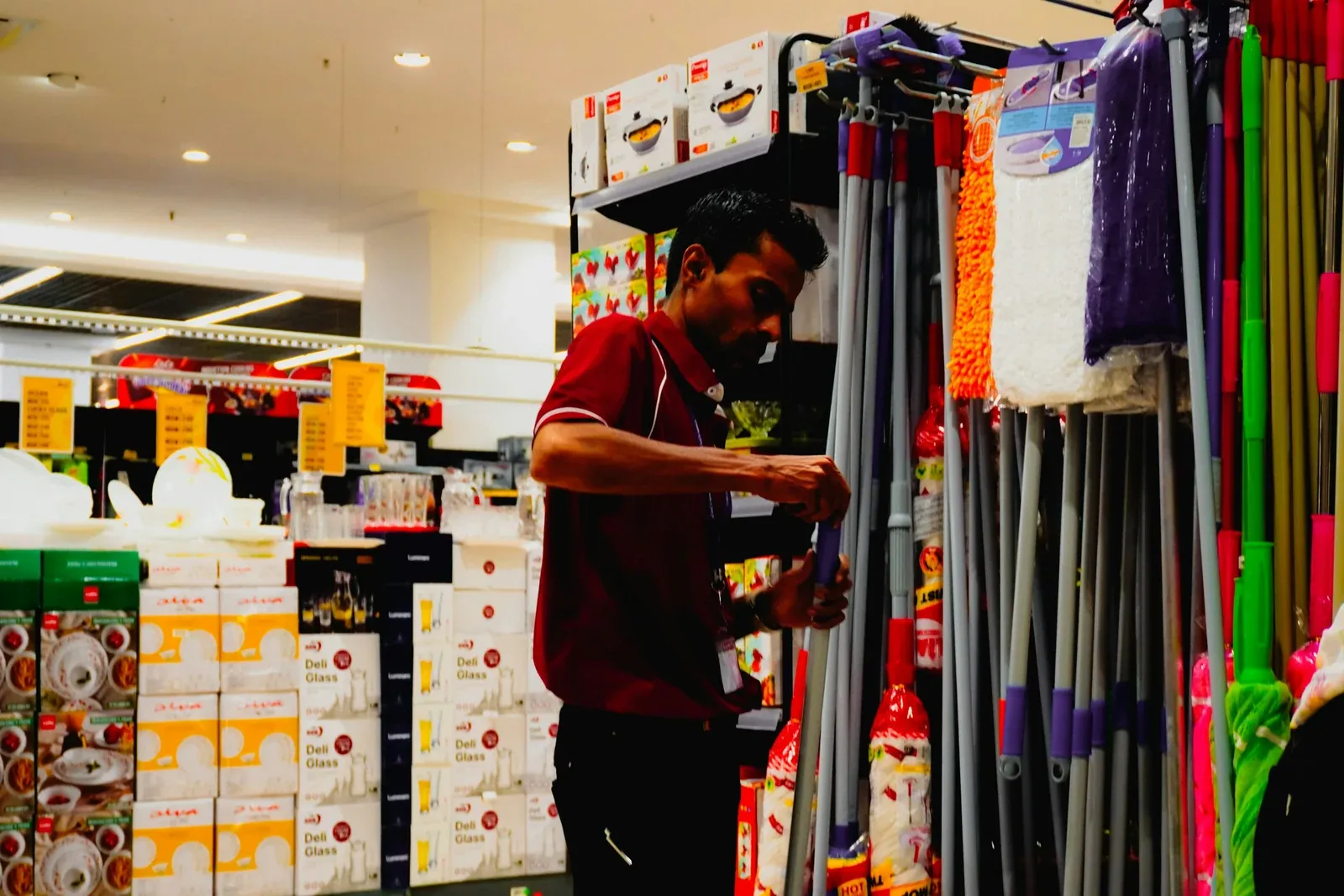
Table of contents
- What the Gather ability actually does
- What changed in v1.0.1 and v1.0.4
- How to diagnose a failed Gather pull
- How to use Gather near store boundaries
- A practical store cleanup workflow
- Common mistakes to avoid
- Sources and further reading
What does the Gather ability actually do?
The Steam store describes Black Friday Janitor as a cleanup game where abilities can be unlocked and strengthened to tidy the mall faster. Gather is the ability associated with pulling loose objects toward the player. The important SEO-and-gameplay distinction is that Gather is not simply an unlimited vacuum: official patch notes specifically reference a radius, inventory-full feedback, and cross-store targeting.
That gives you three practical rules:
- Distance matters. A target can be outside your current Gather radius.
- Capacity matters. A full inventory can stop another object from being collected.
- Store context matters. Some items are shared across stores, and Gather can interact with those boundaries.
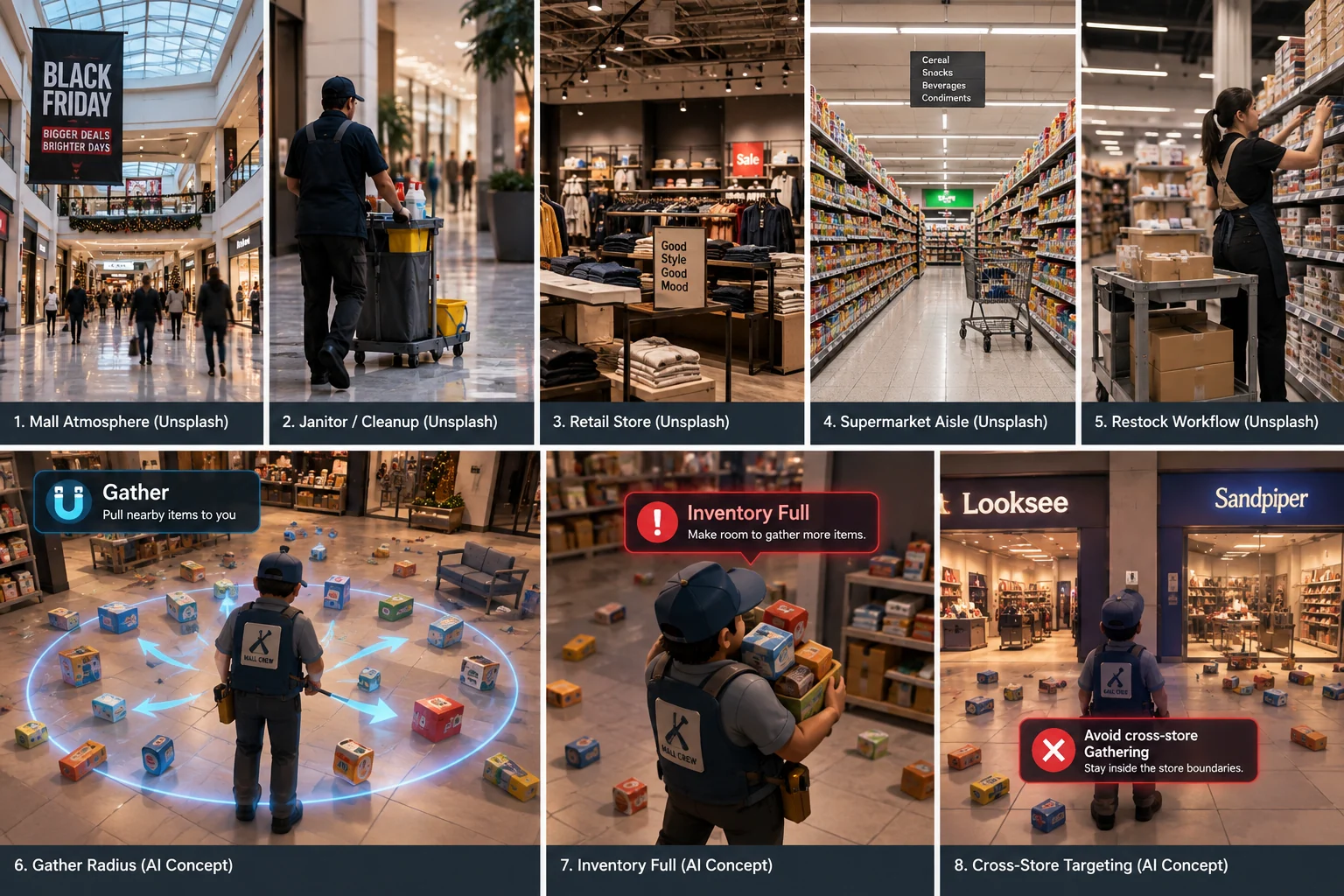
AI-generated editorial overview of Gather concepts. It is not real game UI or a gameplay screenshot, and its labels are illustrative rather than official values.
Do not treat the illustration as a radius map
The image above is explanatory, not a measurement. Patch v1.0.1 says Gather received a larger radius for early levels, but the developer did not publish a meter value in those notes. If you see a guide claiming an exact distance, verify that it is based on reproducible in-game measurement or an official source before treating it as fact.
For the basic cleanup loop before you rely heavily on abilities, start with the Black Friday Janitor beginner guide.
What changed in v1.0.1 and v1.0.4?
Two official patches matter most for Gather:
| Version | Official Gather change | What it means in practice |
|---|---|---|
| v1.0.1 | Larger radius for early levels | Early progression should feel less restrictive than at launch, but no exact radius table was published. |
| v1.0.1 | Added feedback for objects outside the radius or inventory full | A failed pull should be diagnosed as a range/capacity problem before you assume a bug. |
| v1.0.4 | Much less likely to pull from a different store for shared items | Cross-store mistakes should happen less often, but the wording does not promise they are impossible. |
The key point is that these patches changed how you should interpret failure. Before wandering around the mall, use the feedback and your position to classify the problem.
How do you diagnose a failed Gather pull?
Use this order every time an object appears eligible but does not come to you.
Step 1: read the Gather feedback
Patch v1.0.1 explicitly added feedback for two situations: outside the radius and inventory full. That makes those the first checks, not speculative resets or random movement.
Step 2: if range is the problem, move closer and retry once
Do not circle the whole store immediately. Move toward the object, keep it clearly within the same shop area, and try again. Because no exact radius number is documented, a simple controlled reposition is more reliable than guessing a distance.
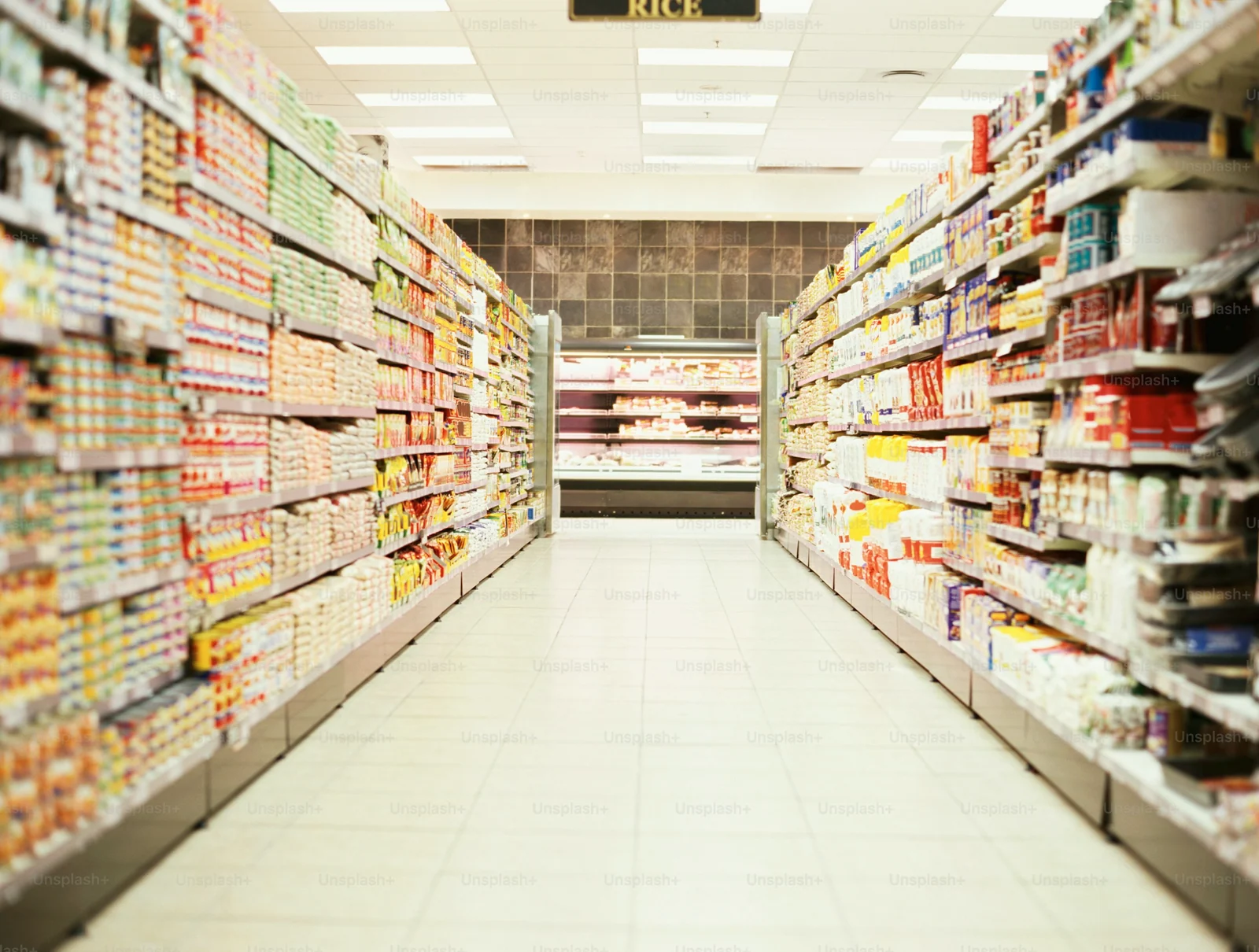
Real-world retail-aisle reference photo used to illustrate dense shelf zones and positioning; not a gameplay screenshot or an exact Gather-radius measurement.
Step 3: if inventory is full, create capacity first
If the game indicates your inventory is full, stop trying to pull more objects. Place or process what you are already carrying, then retry the same target.
Step 4: only then investigate an edge case
If you have capacity, you are close to the target, and the behavior still looks wrong, record the store, task type, current count, and game version. That gives you a reproducible case instead of a vague “Gather is broken” report.
For counters that remain stuck after the obvious object is handled, use the missing tasks and hard-to-find items guide.
How should you use Gather near store boundaries?
Patch v1.0.4 is important because it changed Gather to be much less likely to pull from a different store for the small number of item types shared across stores. The wording matters: “less likely” is not “impossible.”
A safer boundary routine is:
- Stand clearly inside the store you are cleaning.
- Face and work toward loose items that visibly belong to that store.
- Avoid treating the storefront threshold as an ideal mass-Gather position when multiple nearby shops contain similar objects.
- If an unexpected item comes to you, verify its destination before shelving it.
- Recheck the store counter after correcting the item rather than assuming the patch completely prevents cross-store pulls.

Real-world retail reference photo used to illustrate deliberate positioning near store boundaries; not a gameplay screenshot or a visualization of the game’s targeting logic.
If you are already dealing with shared-item confusion, the tips and common mistakes guide has the broader context for store boundaries and shelf-placement mistakes.
What is a practical Gather workflow for each store?
Gather is most useful when it supports a structured cleanup pass instead of replacing one. A simple workflow is:
1. Clear movement blockers first
Stand fallen objects upright and remove obvious floor clutter so you can move between shelves without constantly changing paths.
2. Work one visual section at a time
Choose a shelf bank, aisle, or compact area. Gather nearby loose products, place them correctly, then move to the next section. This keeps your pulled items tied to a visible destination.
3. Use Gather after positioning, not before
Move into the section you want to clean, then activate Gather. Near shop boundaries, position even more deliberately so the ability is working from inside the intended store.
4. Empty capacity before a large pull
If you are already holding many items, finish that batch before using Gather again. This reduces the chance that “nothing happened” is simply an inventory-capacity problem.
5. Verify the counter before leaving
After the store looks clean, check what task category remains. If shelving is still incomplete, make a targeted final pass rather than sweeping every shop again.
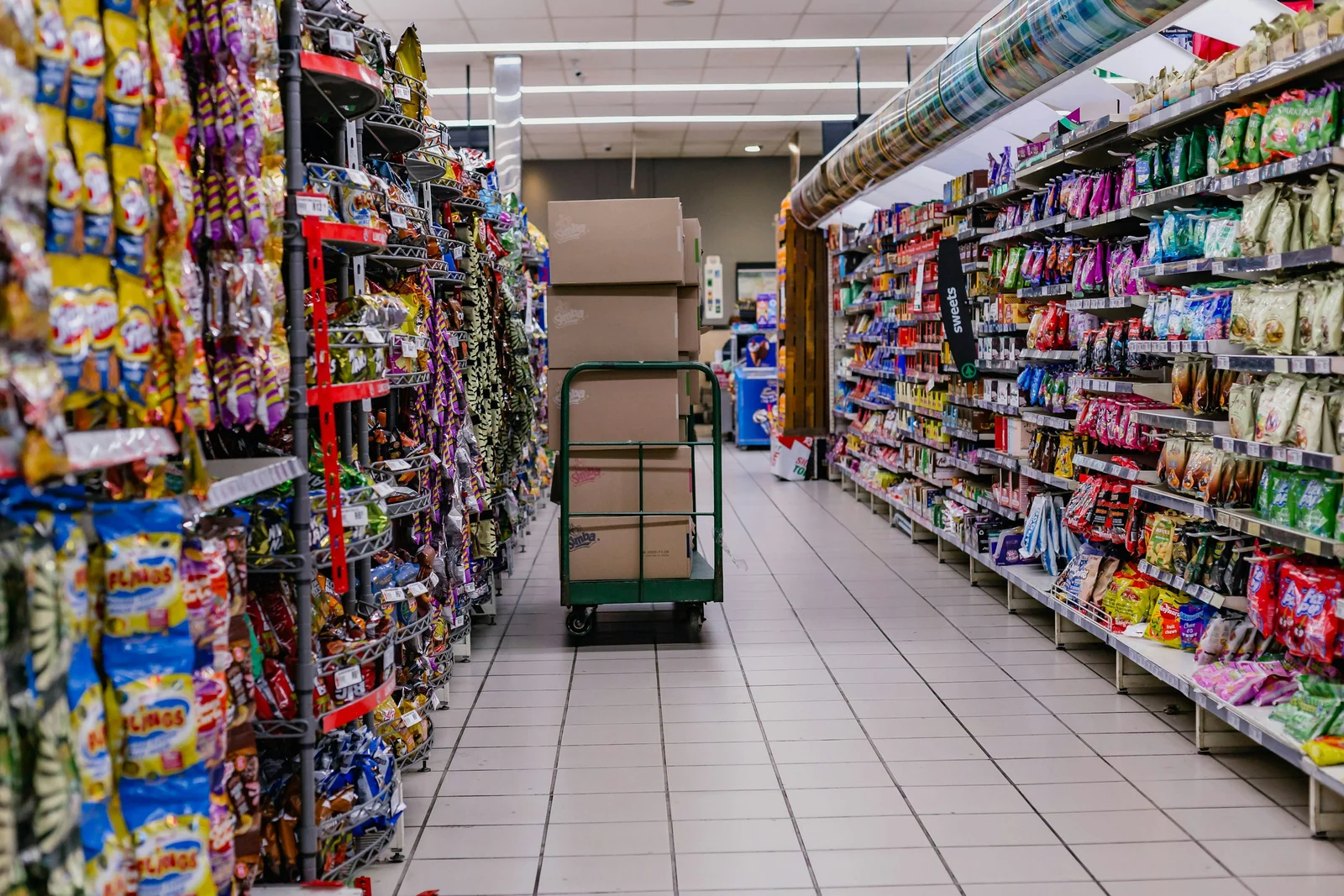
Real-world retail restocking reference photo used to illustrate a section-by-section cleanup workflow; not a gameplay screenshot.
For a full mall process rather than one ability, follow the Black Friday Janitor 100% walkthrough.
Which Gather mistakes waste the most time?
| Mistake | Why it wastes time | Better response |
|---|---|---|
| Repeatedly activating Gather without reading feedback | You may be repeating the same range or capacity failure | Check the feedback first, then change one condition |
| Assuming an exact hidden radius from visual distance | The official notes do not provide a numeric radius | Move closer and test the same object |
| Mass-Gathering from a storefront boundary | Shared items can still be pulled across stores | Reposition inside the intended store |
| Assuming v1.0.4 eliminated cross-store pulls | The patch says “much less likely,” not impossible | Verify unexpected items before shelving |
| Treating every failed pull as a bug | v1.0.1 explicitly documents normal failure feedback | Rule out range and full inventory first |
This is also why the best troubleshooting method is one variable at a time: position, capacity, then store boundary. If you change everything at once, you lose the evidence that tells you what fixed the problem.
What should you remember for v1.0.4?
The most useful takeaway is simple: read the feedback before moving. Gather became easier to use in v1.0.1 because early-level range increased and the game began explaining two common failure states. v1.0.4 then reduced accidental cross-store targeting for shared items.
What remains undocumented is just as important. There is no official exact radius table in the cited patch notes, and v1.0.4 does not claim cross-store pulls are impossible. A reliable guide should preserve those limits instead of turning assumptions into facts.
When Gather is only one part of a larger completion problem, continue with the 100% walkthrough or use the all achievements reference to narrow down which stores and areas still need work.
Sources and further reading
FAQ
What does Gather do in Black Friday Janitor?
What is the exact Gather radius?
Why is Gather not pulling an item?
Can Gather pull items from another store?
Related Articles
guides
Black Friday Janitor Gather Not Working: Fixes for 2026
Fix Black Friday Janitor Gather problems in 2026: check range, full inventory, store boundaries, and current v1.0.5 behavior.
guides
Black Friday Janitor Achievement Not Unlocking: Fixes 2026
Fix Black Friday Janitor achievement problems in 2026 by checking task milestones, store completion, game version, and the 30K/full-mall difference.
guides
Black Friday Janitor Gilberts Missing Task: 2026 Fix Guide
Find a missing Gilberts task in Black Friday Janitor with a careful 2026 search plan for wider areas, upper spots, shelf signs, and counters.
Was this helpful?
Thanks for the feedback!