
Black Friday Janitor Tips: Common Mistakes to Avoid in 2026
Use practical Black Friday Janitor tips for 2026: diagnose Gather, avoid cross-store pulls, handle v1.0.5 shelves, and finish stuck counters.
Most lost time in Black Friday Janitor comes from a bad diagnosis rather than a difficult task. A failed Gather pull can be a range or capacity problem. A wrong item near a storefront can come from shared-store targeting. A clean-looking shop can still have one category unfinished. The safest way to work is to change one condition at a time and use the task counter as feedback. The current v1.0.5 patch also changes shelf interaction, so older advice about pickup keys and item placement can be stale even when the broader cleanup strategy still holds.
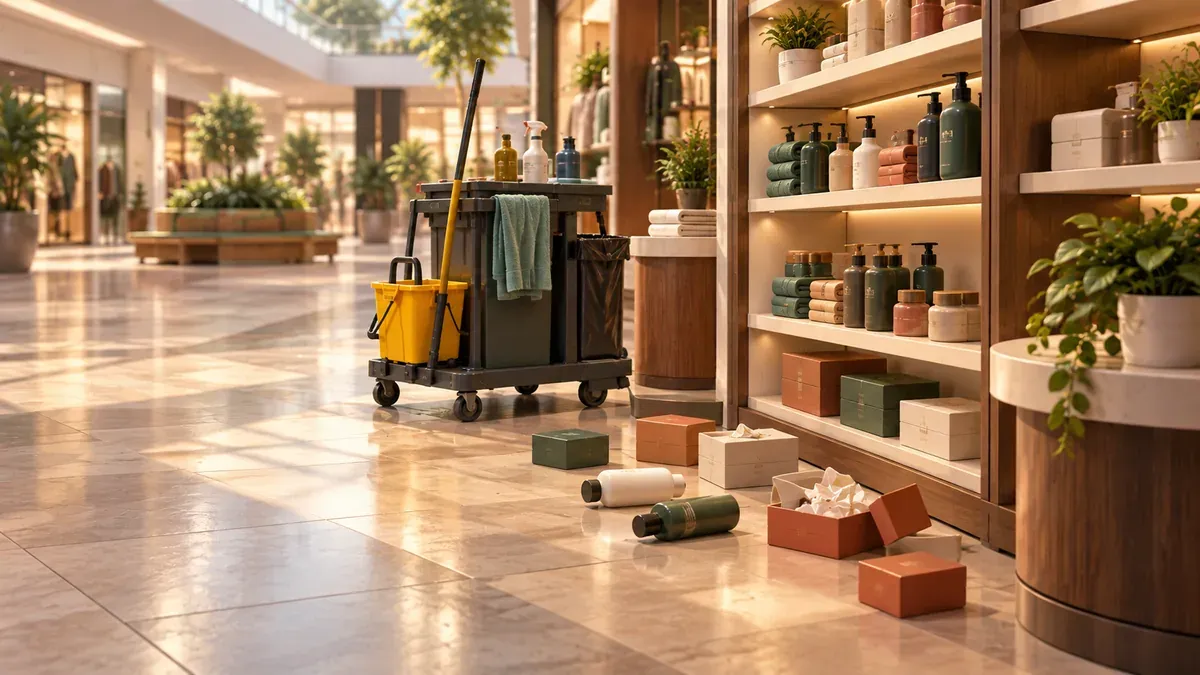
Which mistakes waste the most time?
- Ignoring Gather feedback
- Using Gather from a store boundary
- Treating old shelf behavior as current
- Searching the whole mall for one task
- Assuming a task milestone means full completion
Why should you read Gather feedback first?
Patch v1.0.1 added feedback for two conditions: an object outside the current Gather radius and a full inventory. Check those before walking away from the target or treating it as a bug.
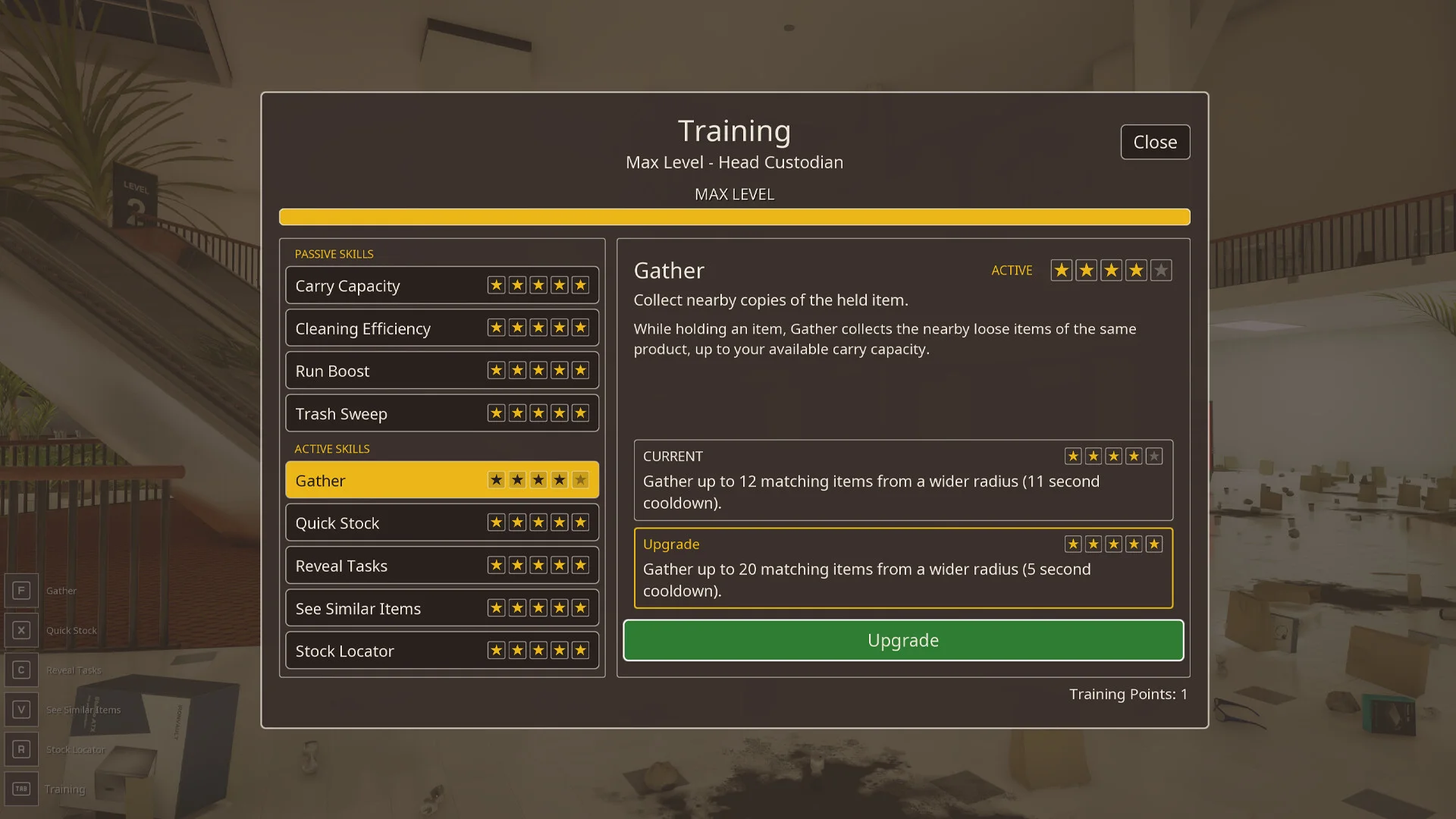
The troubleshooting flow keeps one target constant while you change the condition that may be blocking the pull.
If range is the problem, move closer and retry. If capacity is the problem, place or process what you already carry. The Gather not working guide walks through this in a shorter diagnostic sequence.
How do you reduce cross-store Gather mistakes?
Patch v1.0.4 made Gather much less likely to pull shared items from another store. The patch does not say cross-store pulls were removed.
Work from clearly inside the shop you are cleaning, verify an unexpected item before shelving it, and check whether the local task counter changes after a correction.

AI-generated retail reference used to explain deliberate positioning near a storefront.
The Gather ability guide has the full patch history and the limits of what the public notes confirm.
What changed for shelves in v1.0.5?
The current public patch documented on this site adds shelf pickup key rebinding and makes most items place from back to front. Multicolor items are the stated exception.
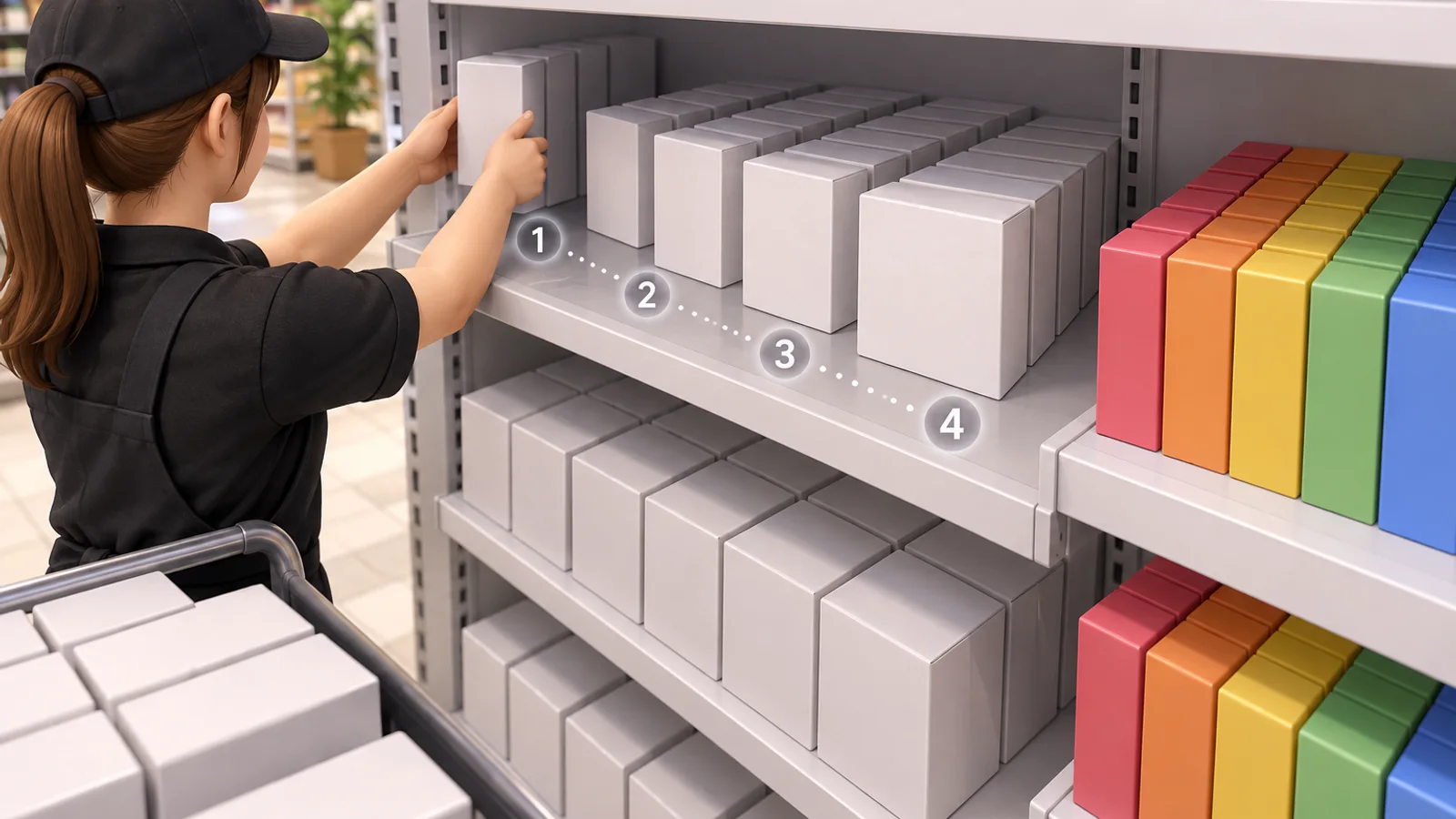
AI-generated editorial illustration of the documented shelf-placement rule.
If you are returning after an older build, test the current behavior before rearranging a shelf because an old placement habit no longer matches the public patch notes. The v1.0.5 patch guide explains the control and placement changes separately from the v1.0.4 color update.
How should you hunt the last task?
Start with the remaining category, then narrow the location. For Appliances Galore, a developer response confirms that some counted objects can sit slightly outside the visible store. For Gilberts, community reports suggest checking wider and upper areas, and separate reports describe confusing signs.
Use this order:
- Record the remaining category and count.
- Search the inside perimeter for that category.
- Apply the relevant store-specific lead.
- Change one object or placement.
- Check the counter before moving on.
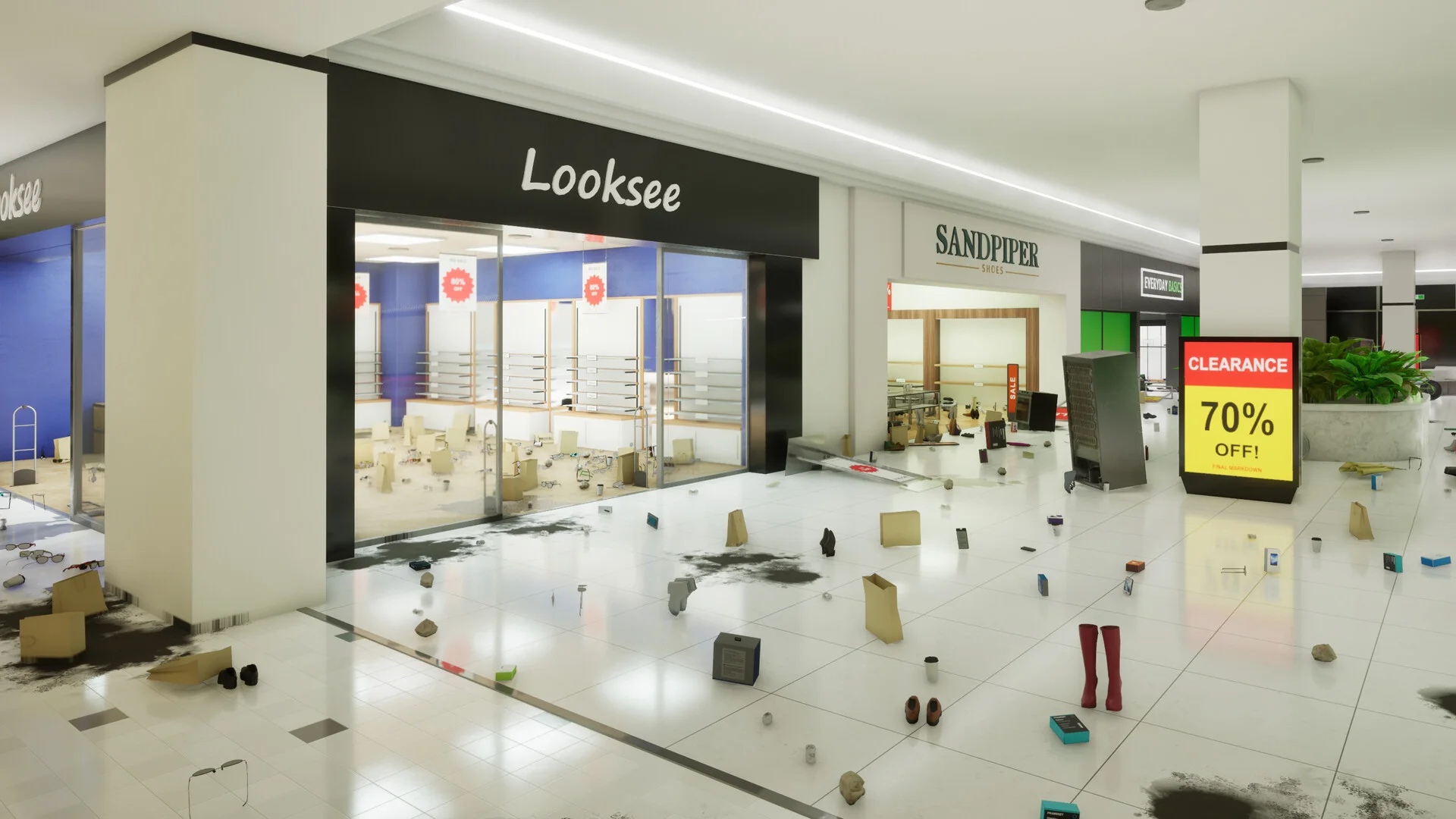
A category-first checklist reduces repeated mall-wide searches.
Use the missing tasks hub for all store-specific links, the Appliances Galore 181/182 guide for the developer-confirmed boundary case, and the Gilberts missing task guide for the community-sourced search pattern.
Why is 30,000 tasks not the final finish line?
Steam lists A job almost done for completing 30,000 tasks and Custodian of the Year for fully cleaning the entire mall. They are separate achievement conditions.
If you pass 30,000 tasks and still lack full completion, check unfinished stores and shared mall areas rather than assuming the final achievement should have triggered at the milestone. The achievement not unlocking guide explains the difference and the v1.0.3 milestone-trigger fix.
What should you remember on a new run?
The v1.0.4 even-color distribution applies only to newly created runs. Existing saves keep the colors assigned when they were created. That rule is separate from the v1.0.5 shelf pickup and placement changes.
If you are happy with an existing save, do not treat older color assignments as evidence that v1.0.5 failed to install.
Conclusion and related guides
Read the game’s feedback, keep cleanup local, and verify the counter after a meaningful change. Those habits save more time than relying on fixed item coordinates or reset rituals that the available sources do not support.
For a full route, use the beginner guide and 100% walkthrough. For current mechanics, keep the v1.0.5 patch guide nearby.
Sources
FAQ
What is the best Black Friday Janitor tip for avoiding wasted time?
What should I do if Gather does not pull an item?
Can Gather still pull from the wrong store in v1.0.5?
What changed for shelves in v1.0.5?
Related Articles
guides
Black Friday Janitor Beginner Guide: Best Start in 2026
Start Black Friday Janitor in 2026 with a store-by-store cleanup route, Gather troubleshooting, v1.0.5 shelf changes, saving, and completion checks.
updates
Black Friday Janitor Patch v1.0.4
Official Black Friday Janitor v1.0.4 changes: even item colors in new runs, safer Gather targeting, and fixes for dark boxes and the cinema floor.
guides
Black Friday Janitor Achievement Not Unlocking: Fixes 2026
Fix Black Friday Janitor achievement problems in 2026 by checking task milestones, store completion, game version, and the 30K/full-mall difference.
Was this helpful?
Thanks for the feedback!