
Black Friday Janitor: Appliances Galore Missing Task (181/182)
Fix an Appliances Galore missing task in Black Friday Janitor: troubleshoot 181/182, hidden trash, store-boundary objects, Reveal Tasks, and Gather.
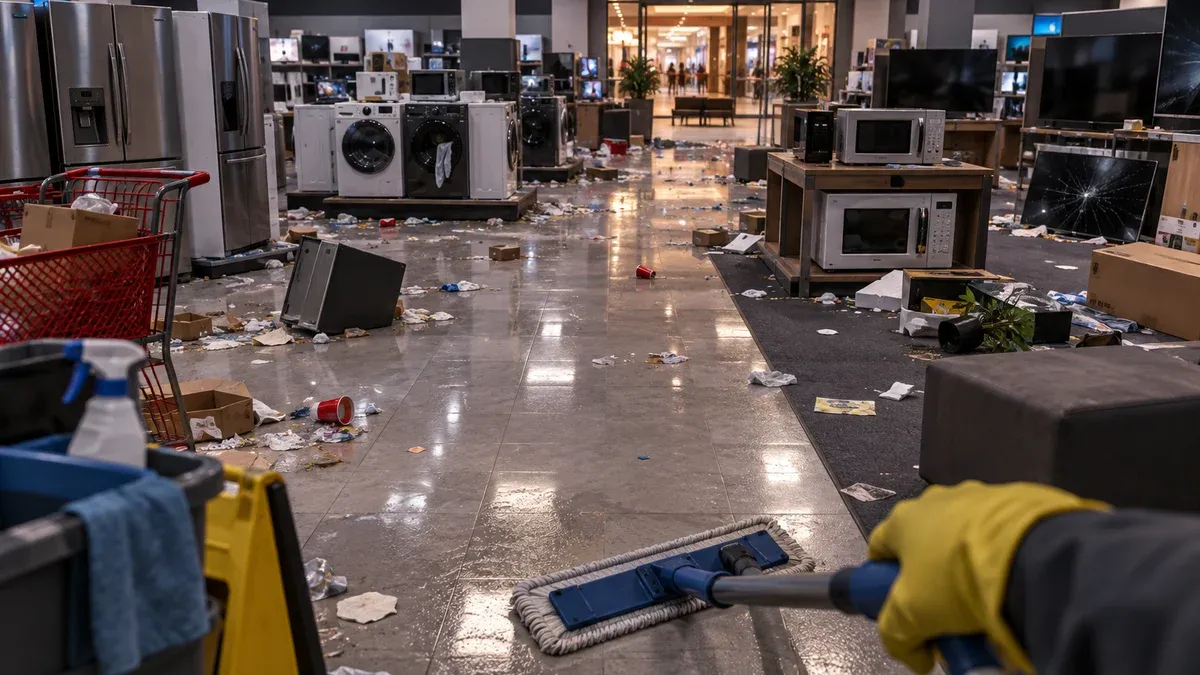
If Appliances Galore is stuck at 181/182 or refuses to complete after the store looks clean, start with the remaining task type and the storefront boundary before searching the entire mall again. A missing piece of trash, an unshelved product, and a placement task point to different checks.
A player reporting missing trash on Steam received a developer reply confirming that some counted objects can sit slightly outside the store. That makes the area just beyond the entrance worth checking. It does not prove a fixed hidden-trash spawn, an exact search radius, or a guaranteed location that works for every save.
This guide focuses on the checks supported by the available evidence and separates verified behavior from illustrative search examples. The generated images below are editorial visualizations unless a caption explicitly identifies an official Steam screenshot.
1. Check the remaining task type
Before moving anything else, look at the Appliances Galore task list and write down what is still incomplete. A missing piece of trash and an unshelved item require different searches, so the category matters more than the raw completion number.
Use this order:
- Note the unfinished task category and current count.
- Finish any obvious target still inside the store.
- Check whether the count changes.
- Only then widen the search to the boundary.
This gives you a clean before-and-after check. If the counter changes after one action, you know that object belonged to the store’s remaining work.
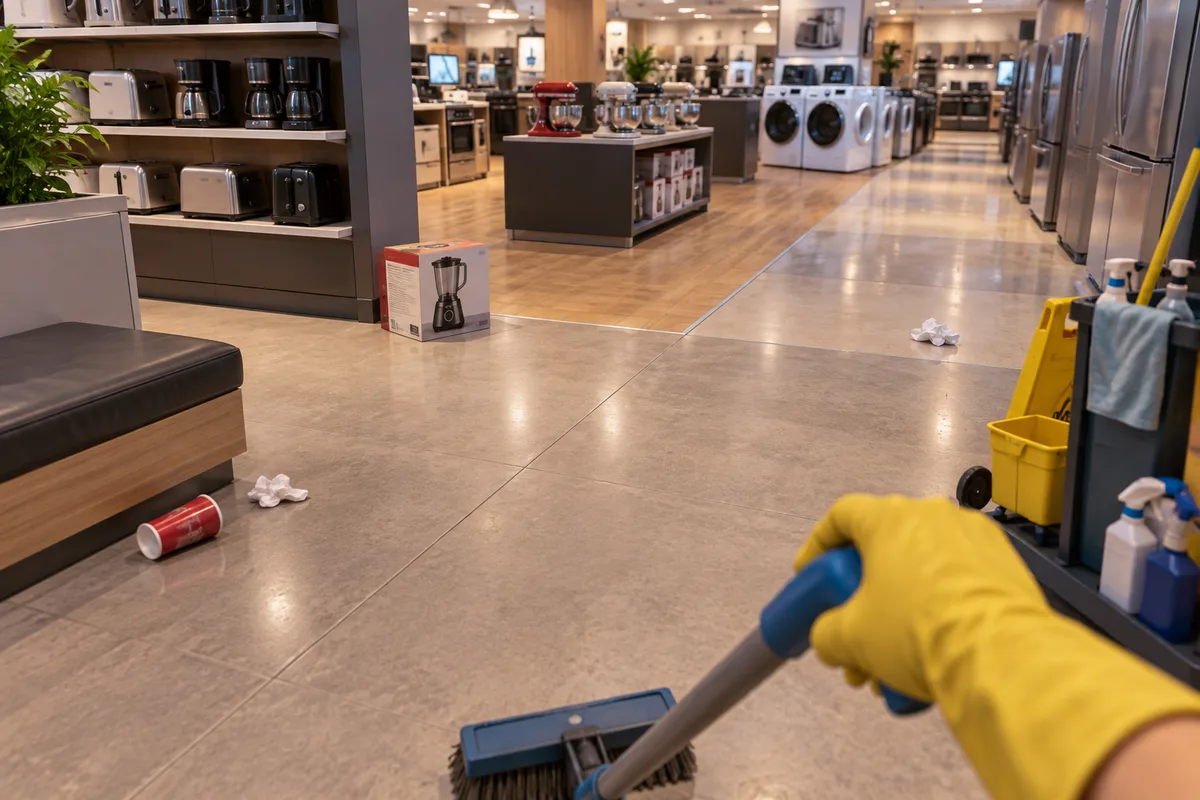
AI-generated editorial visualization. The trash and product positions are illustrative, not confirmed spawn locations.
Why the counter matters more than a visual guess
Objects near a storefront can look as though they belong to the mall’s shared area. The counter is the better test. When one cleanup action changes the Appliances Galore total, you have evidence that the object counted for the store.
The same approach also prevents a common mistake: treating every nearby piece of trash as part of the same stuck task.
2. Search beyond the storefront
For missing trash or cleanup, walk the store edge instead of repeating another center-aisle sweep.
Check:
- the entrance threshold;
- the floor immediately beyond the doorway;
- the outer edge beside the storefront;
- small objects that visually blend into the common mall area.
The Steam discussion gives this search pattern a factual basis because the developer confirmed that some counted objects can be slightly outside the store. The source does not provide an exact distance, so this guide does not invent one.
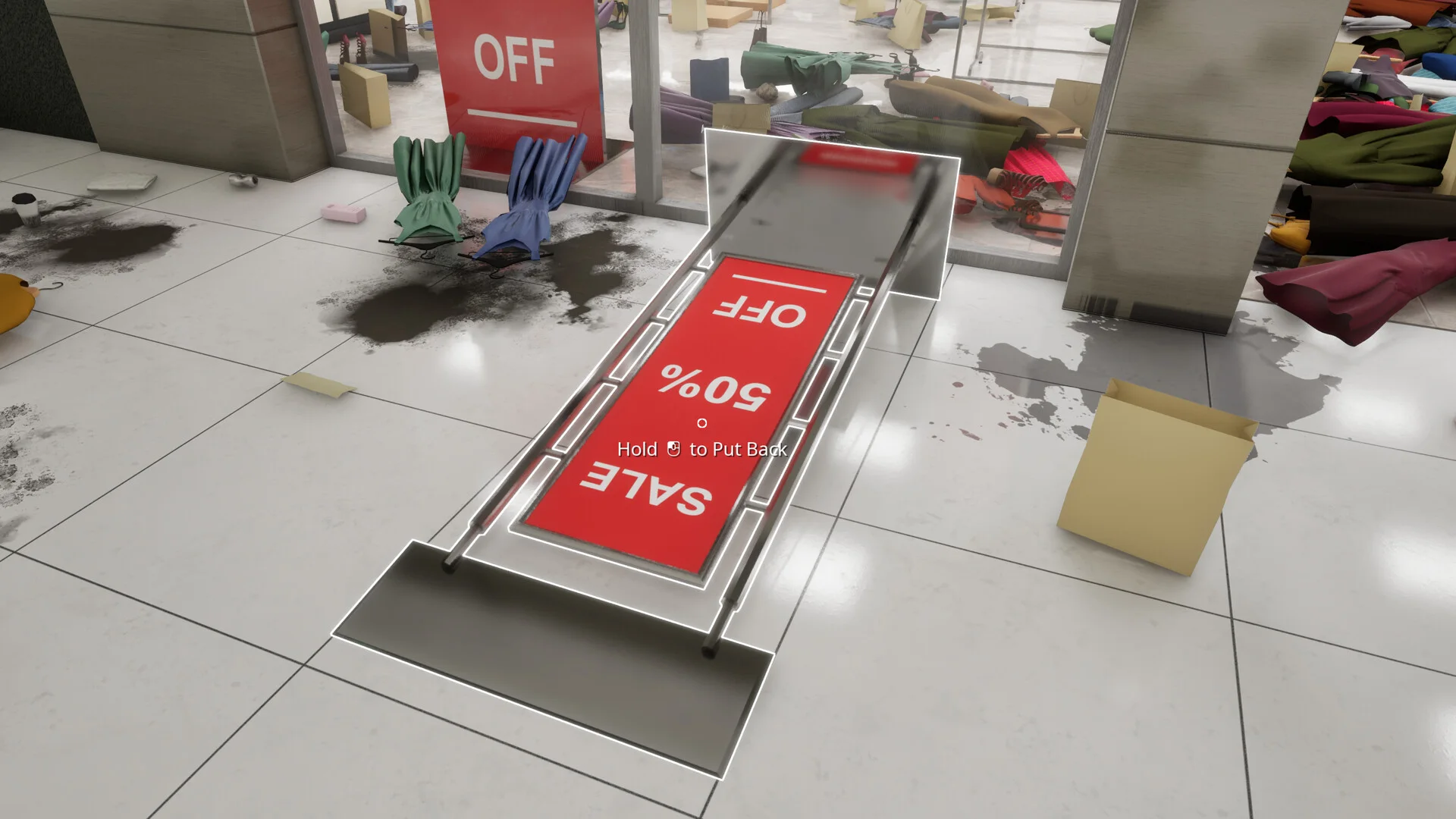
Official Black Friday Janitor Steam screenshot used to illustrate why the remaining task category matters when scanning floor clutter, spills, shelving, and fallen objects.
A useful search loop
Move around one edge at a time, clean or place only one suspicious object, then check the task counter. If nothing changes, continue around the perimeter. This is slower than following an unverified map pin, but it gives you a repeatable way to narrow the problem.
For the broader version of this method, see the Black Friday Janitor missing tasks troubleshooting guide.
3. Troubleshoot 181/182
Players have reported Appliances Galore appearing stuck at 181/182, but the available evidence does not establish one universal cause. The last task could be difficult to see, outside the apparent boundary, tied to placement, or specific to a save state.
Treat 181/182 as a diagnostic state rather than a named bug with a guaranteed fix.
Work through these checks in order:
- Confirm which task category is still incomplete.
- Sweep the inside perimeter once.
- Search immediately outside the storefront.
- Re-check shelves only if the remaining category points to placement or stocking.
- Watch the counter after each change.
- Record the game version before reporting a persistent case.
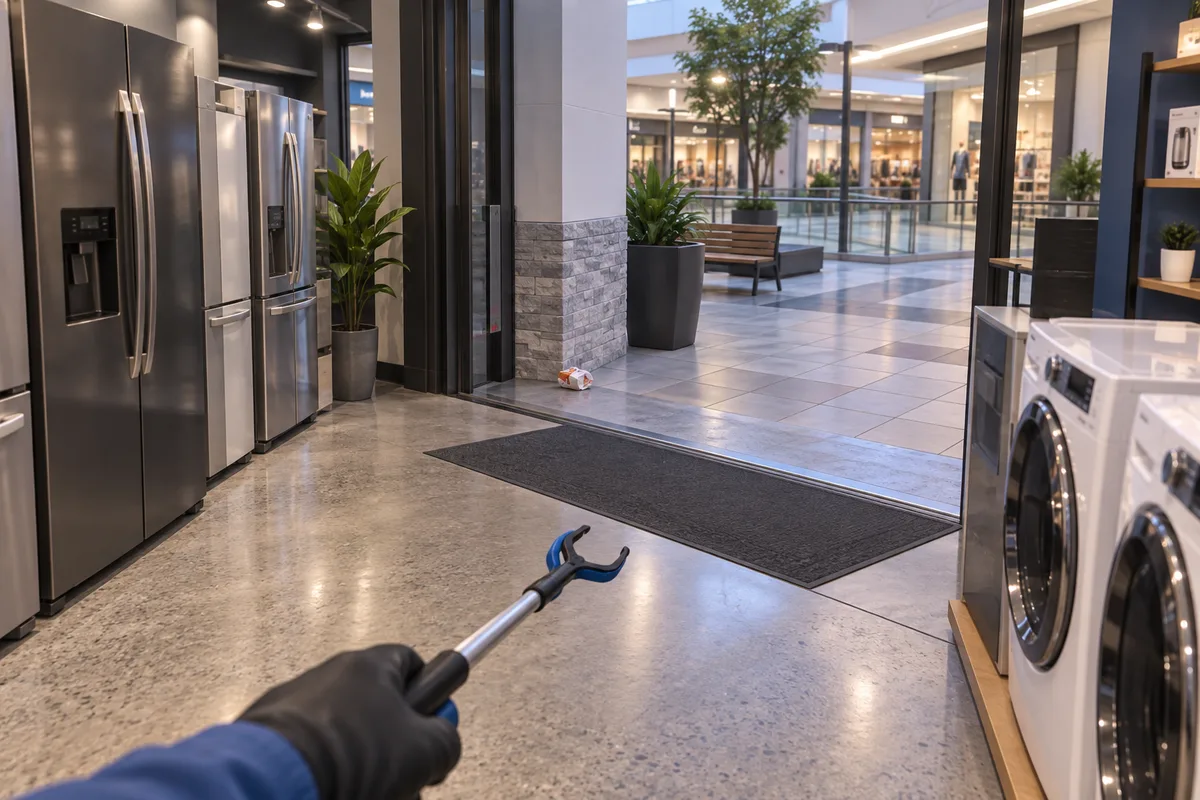
AI-generated editorial visualization of the storefront-boundary check. The debris position is illustrative and is not a verified fixed spawn.
Avoid the tempting one-line fixes
Advice such as “reload three times” or “the final object is always behind one shelf” sounds useful because it is specific. We have not found evidence strong enough to publish either claim as a general solution.
If a reload happens to help one save, that still does not prove that reloads fix the underlying cause for everyone.
4. Use Reveal Tasks carefully
Reveal Tasks can help you look, but this guide does not have verified evidence for its exact range or for how it treats objects that count toward a store while sitting beyond the visible boundary.
If Reveal Tasks shows nothing, do not treat that as proof that Appliances Galore has no valid target left. Use the store counter to verify progress.
A sensible pattern is:
- trigger Reveal Tasks;
- inspect the highlighted area;
- make one cleanup or placement change;
- check the task counter;
- widen the search if the count does not move.
This keeps Reveal Tasks useful without turning an unknown range into a made-up mechanic.
5. Check Gather near the boundary
The current guide targets v1.0.4. In that patch, the developer reduced the chance that Gather pulls shared items from another store. The wording matters: the chance was reduced, not removed.
If you use Gather close to a storefront, do not assume every item that moves belongs to Appliances Galore just because you are standing inside the store.
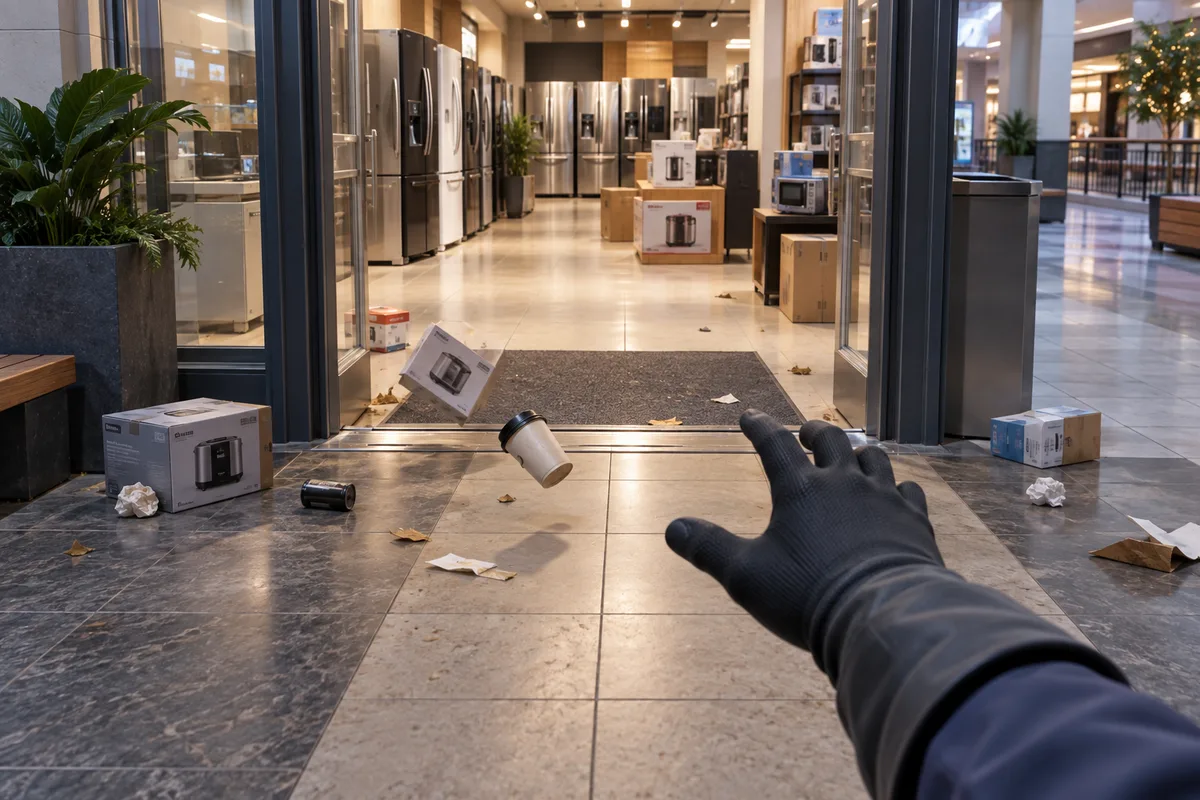
AI-generated editorial visualization of cross-store Gather risk; it does not represent an official Gather radius or exact item movement.
For verified Gather patch changes and troubleshooting limits, read the Black Friday Janitor Gather ability guide.
What is confirmed and what is still unverified
| Claim | Evidence status | What you should do |
|---|---|---|
| Appliances Galore has a store-completion achievement | Official Steam achievement list | Use the achievement as a completion reference |
| Some counted objects can sit slightly outside the visible store | Player report plus developer response | Search just beyond the storefront |
| 181/182 has one fixed hidden-object location | Not verified | Search by task category and counter changes |
| Reloading is a guaranteed fix | Not verified | Do not rely on it as the first solution |
| Reveal Tasks has a known cross-boundary radius | Not verified here | Treat highlights as clues, not proof |
| Gather cannot pull shared items across stores in v1.0.4 | Official patch says reduced, not removed | Remember that cross-store pulls are less likely, not impossible |
This distinction is the main reason the guide avoids exact coordinates. A useful walkthrough should tell you what is known and where the evidence stops.
Conclusion and further reading
For an Appliances Galore missing task, the most reliable process is to identify the remaining category, search the store edge and nearby outside area, and verify every candidate with the task counter. That approach is supported by the developer-confirmed boundary report and avoids turning community guesses into guaranteed fixes.
If the problem is not limited to this store, continue with the missing tasks troubleshooting guide. For a full-mall clear, use the Black Friday Janitor 100% walkthrough. If Gather is involved, check the Gather ability guide.
Sources
FAQ
Can Appliances Galore tasks be outside the store?
What should I do if Appliances Galore is stuck at 181/182?
Does Reveal Tasks always show the missing Appliances Galore object?
Can Gather pull an item from another store in v1.0.4?
Related Articles
guides
Black Friday Janitor Achievement Not Unlocking: Fixes 2026
Fix Black Friday Janitor achievement problems in 2026 by checking task milestones, store completion, game version, and the 30K/full-mall difference.
guides
Black Friday Janitor Gather Not Working: Fixes for 2026
Fix Black Friday Janitor Gather problems in 2026: check range, full inventory, store boundaries, and current v1.0.5 behavior.
guides
Black Friday Janitor Gilberts Missing Task: 2026 Fix Guide
Find a missing Gilberts task in Black Friday Janitor with a careful 2026 search plan for wider areas, upper spots, shelf signs, and counters.
Was this helpful?
Thanks for the feedback!