
Black Friday Janitor How Long to Beat — Completion Time Guide 2026
See how long Black Friday Janitor takes, with a reported 16–17 hour full clear, task counts, pace factors, and 100% completion tips.
Black Friday Janitor looks simple at first: walk into a wrecked mall and put everything back in order. The scale only becomes obvious once you start moving through the stores. Steam lists more than 30,000 cleanup tasks, and the developer warns that you are not meant to finish the whole mall in one sitting. The clearest early player reports put a focused full clear at about 16–18 hours. That is a solid number to budget around for now, but it is still too early to call it a community average. A tidy route, smart ability use, and good luck with the last few missing tasks can keep you near the lower end; slow shelving and repeated backtracking can add hours.
Updated September 22, 2026 · Game version v1.0.4. Black Friday Janitor only launched on September 9, so there are still relatively few clearly documented full-clear times. The numbers below are best used as planning references, not as a settled average.
Table of contents
- How long does Black Friday Janitor take to beat?
- What completion-time evidence is available?
- Why does a full clear take so long?
- What changes your completion time?
- How can you finish the mall more efficiently?
- What counts as 100% completion?
- Which time estimate should you use?
- Sources and further reading
How long does Black Friday Janitor take to beat?
For a focused full-mall clear, budget about 16–18 hours. That range lines up with the clearest early completion reports available so far.
The public samples currently look like this:
| Public sample | Reported time | What it actually tells us |
|---|---|---|
| Steam reviewer who explicitly says the mall was fully completed | Around 16–17 hours | Direct full-clear report |
| Public completion log with all 33 achievements | About 18 hours | 100% achievement-completion sample |
| Steam review showing 24.0 hours on record | 24.0 hours | Longer play sample; review does not state that 24.0h was the finish time |
| Steam review from a player who says they used no active abilities | 32.3 hours on record | Slow/constraint-style example; not a stated completion time |
If you play efficiently, the high teens are a reasonable target. If you take your time, avoid abilities, or keep revisiting stores, 20+ hours is easy to imagine. There still are not enough documented finishes to pin down a dependable overall average.
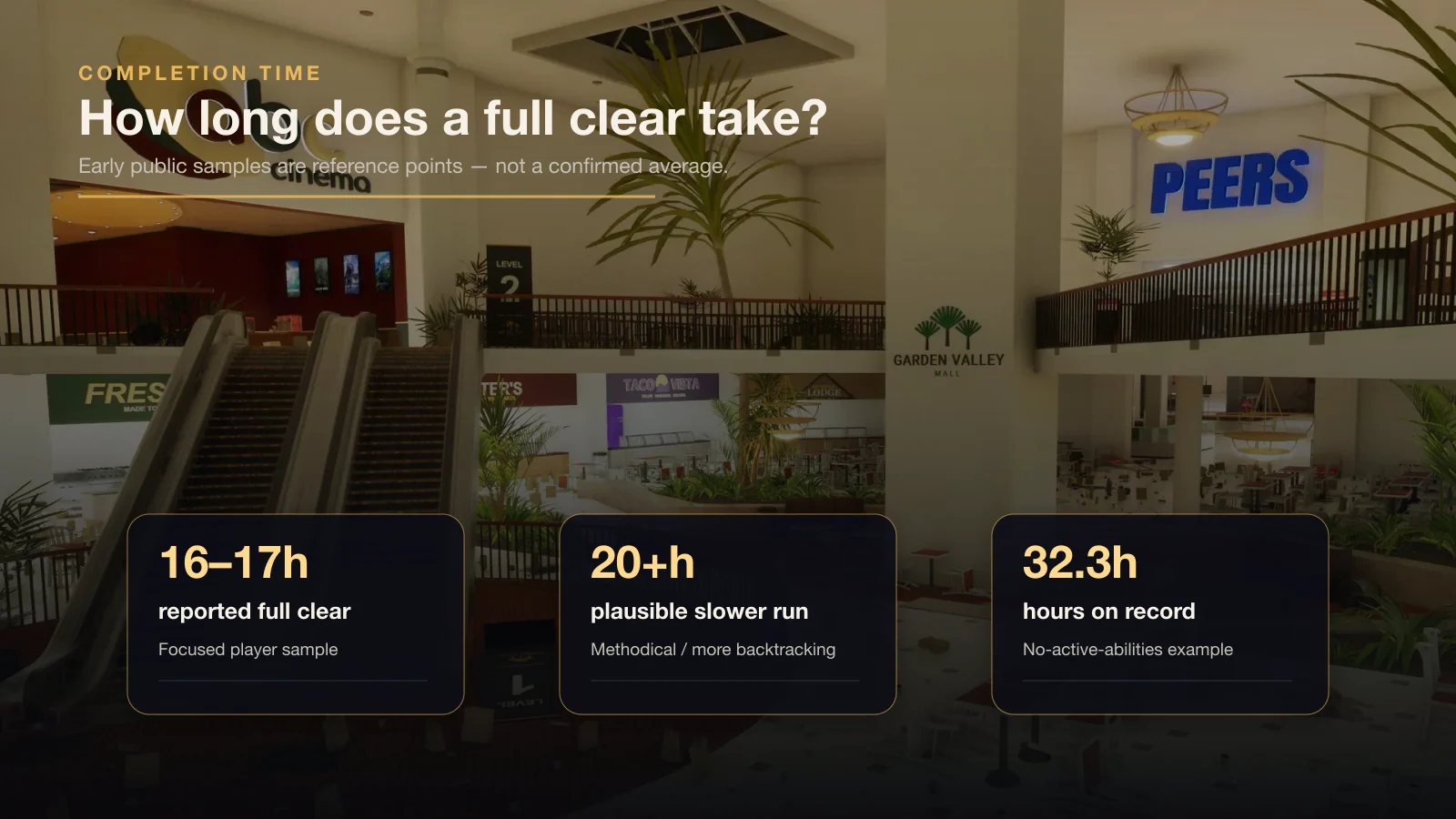
The 16–17 hour mark comes from a reported full clear. The longer Steam figures are hours on record, so they should not be read as exact finish times.
If this is your first run, give yourself some breathing room above the lower end of that range. The Black Friday Janitor beginner guide covers the basic cleanup loop before you start worrying about pace.
What completion-time evidence is available?
The best early time sample is a Steam review from a player who says they took around 16–17 hours to fully complete the mall. A separate public completion log shows all 33 achievements finished in about 18 hours. Those two runs are close enough to make a high-teens estimate useful, but two completed saves are still only two completed saves.
The longer Steam records are better read as examples of how much your play style can stretch the game:
- A 24.0-hour reviewer praises the size of the individual stores, but does not say that 24 hours was the exact completion point.
- A 32.3-hour reviewer says they played without active abilities, making that record especially useful as an example of a deliberately slower approach.
- Other reviews show lower hours on record, but without a clear statement that the mall was fully completed, they should not be used as “how long to beat” evidence.
That is why the 24.0- and 32.3-hour records stay separate from the actual full-clear reports instead of being folded into a made-up average.
Why does a full clear take so long?
The official Steam page explains the scale. Black Friday Janitor advertises more than 30,000 things to tidy, broken down into four major task types:
| Official task type | Quantity |
|---|---|
| Items to shelve | 21,000+ |
| Trash to collect | 10,000 |
| Spills to clean | 500 |
| Fallen objects to put back in place | 300 |
The raw task count tells you why the hours add up. Most of the job is not sprinting through hallways; it is spotting one misplaced product after another, getting it to the right shelf, cleaning what is left on the floor, and checking that the store is actually finished before you move on.
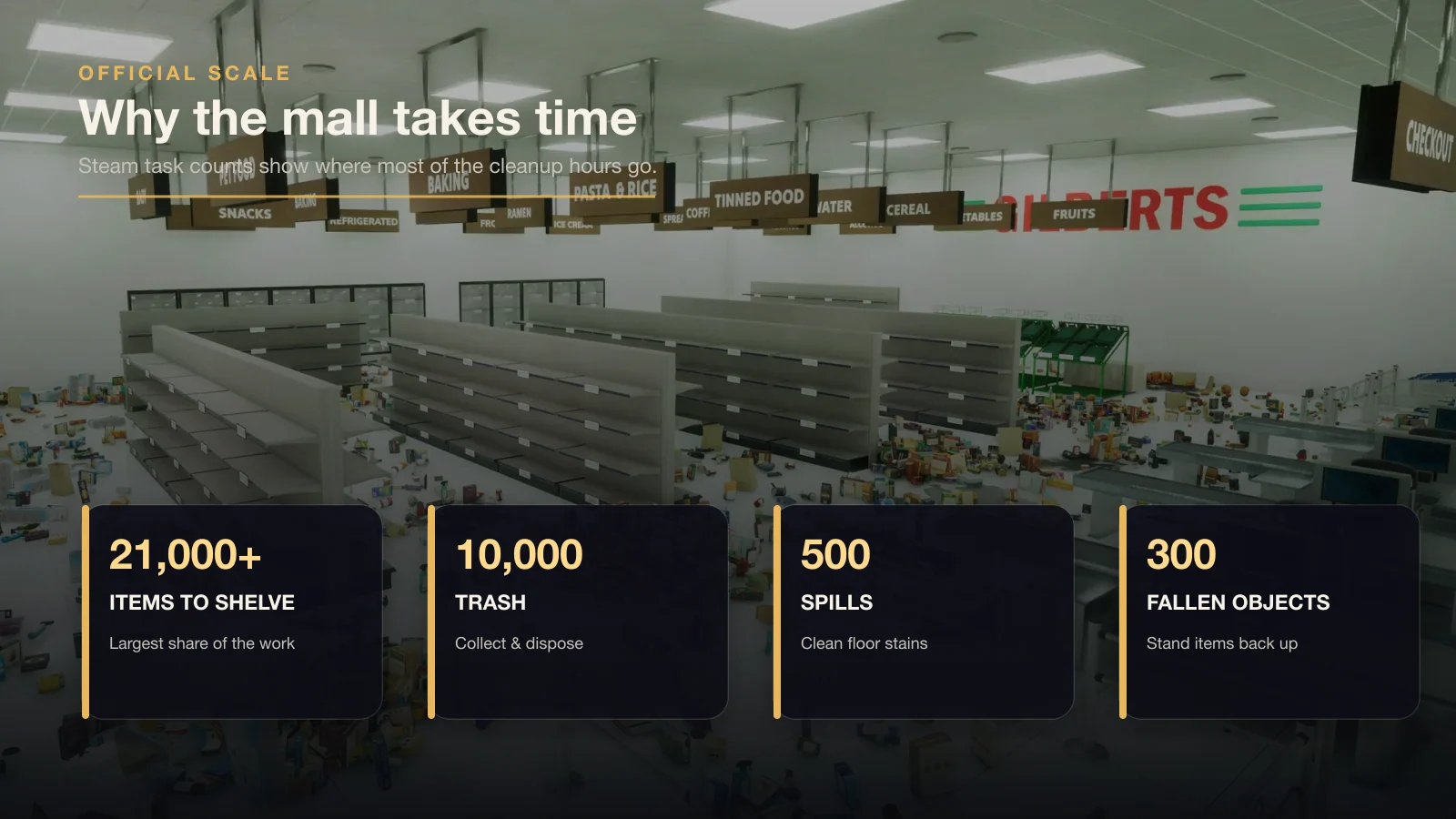
Official task counts explain the scale of the cleanup. The guide graphic uses game-scene imagery with editorial labels; the labels are not in-game UI.
The workload is uneven, too. A small specialty shop can disappear from your checklist fairly quickly, while a huge store can eat most of a session. Trying to turn the whole mall into a neat “minutes per store” formula does not really match how the game plays.
For the full route and store-by-store completion logic, use the 100% walkthrough.
What changes your completion time?
In practice, four things tend to decide whether your run stays near the high teens or drifts well past them.
1. Ability use
The official store page says you can unlock and strengthen abilities to tidy the mall faster. Launch-week patches also changed Gather behavior, so current v1.0.4 runs should not be compared blindly with launch-day advice.
Upgrading movement, capacity, Gather, and the other efficiency tools cuts down a lot of small trips and repeated interactions. Skip those tools and the difference compounds across thousands of tasks, which helps explain why a no-actives playthrough can run much longer.
For current Gather behavior, see the Gather ability guide.
2. Store size and task density
Large stores create longer uninterrupted shelving phases. A small shop may let you finish an entire visual zone quickly; a department-store-sized location can dominate a session.
It is easier to plan around one store or one section at a time than to expect every shop to take the same number of minutes.
3. How much you backtrack
Backtracking is where a lot of time disappears. Leave a store without checking what is still missing and, when you come back later, you may have no idea whether you are hunting trash, a spill, a fallen object, or one misplaced product. Before you walk away, check the remaining task category.
4. The final missing tasks
The end of the game can be disproportionately slow. Once almost everything is clean, you no longer have thousands of obvious objects guiding your route. You may be searching for one missed task near a display, threshold, shared-store boundary, or public mall area.
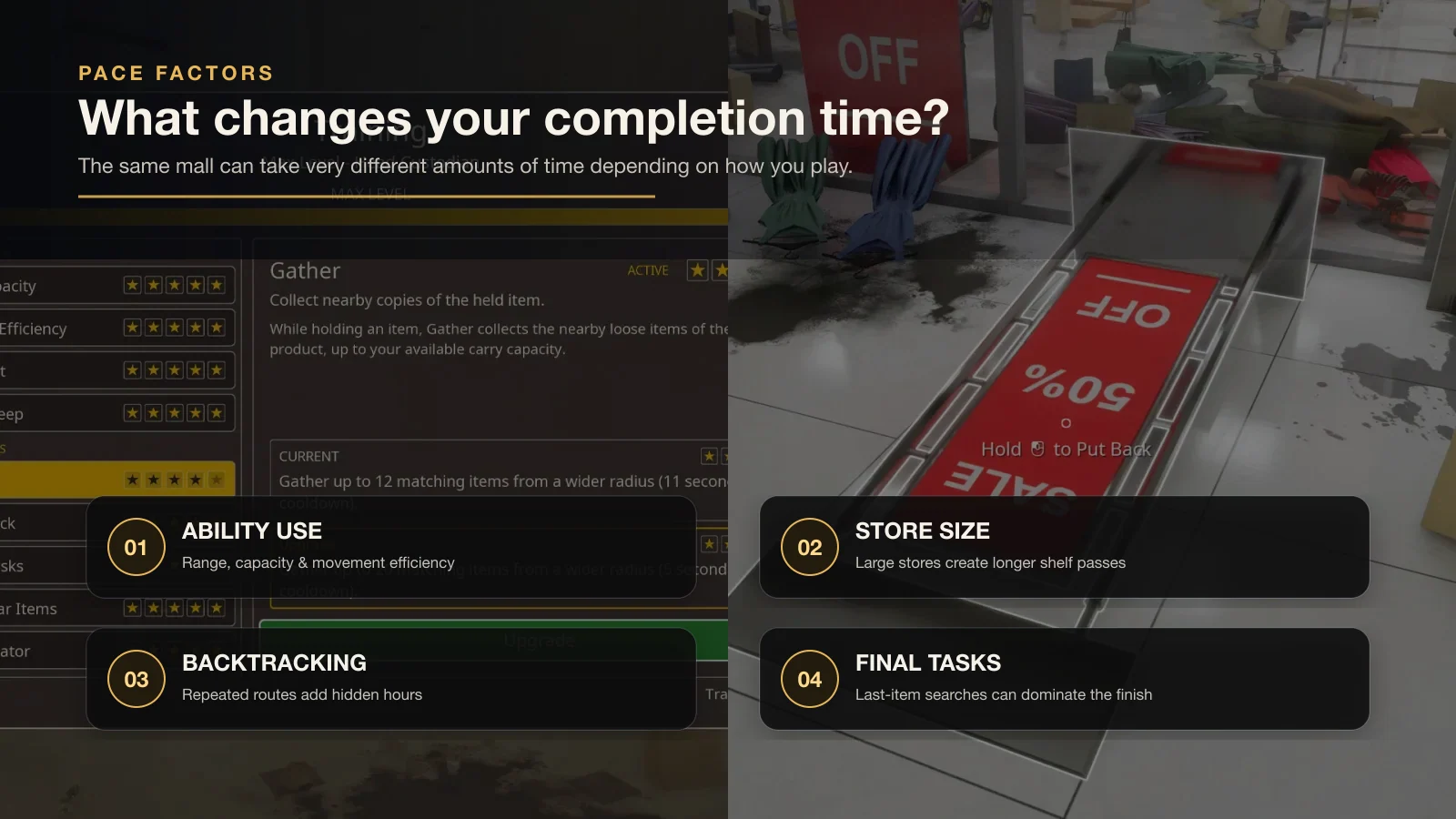
The same mall can take very different amounts of time depending on ability use, store size, organization method, and late-game searching.
If your counter is stuck near the end, switch from broad searching to the missing tasks and hard-to-find items guide.
How can you finish the mall more efficiently?
Trying to move faster is less useful than avoiding work you have to do twice. Keep the cleanup local, finish a section, check the counter, then move on.
Step 1: clear movement blockers
Stand fallen objects upright and remove obvious floor clutter first. This opens walking lanes and makes later shelf work easier to scan.
Step 2: clean trash and spills while the floor is visible
Handle floor-level tasks before shelves become your only focus. If the store later says trash or spills remain, you already know you need a targeted recheck rather than another complete cleanup pass.
Step 3: shelve products section by section
Pick one shelf bank, aisle, or visual zone and finish it before moving across the store. This reduces the chance that you carry objects between unrelated sections or forget which display still needs work.
Step 4: verify the remaining counter before leaving
Do not leave because the room “looks clean.” Check the remaining task category. If one category is unfinished, search for that category locally before moving to another store.
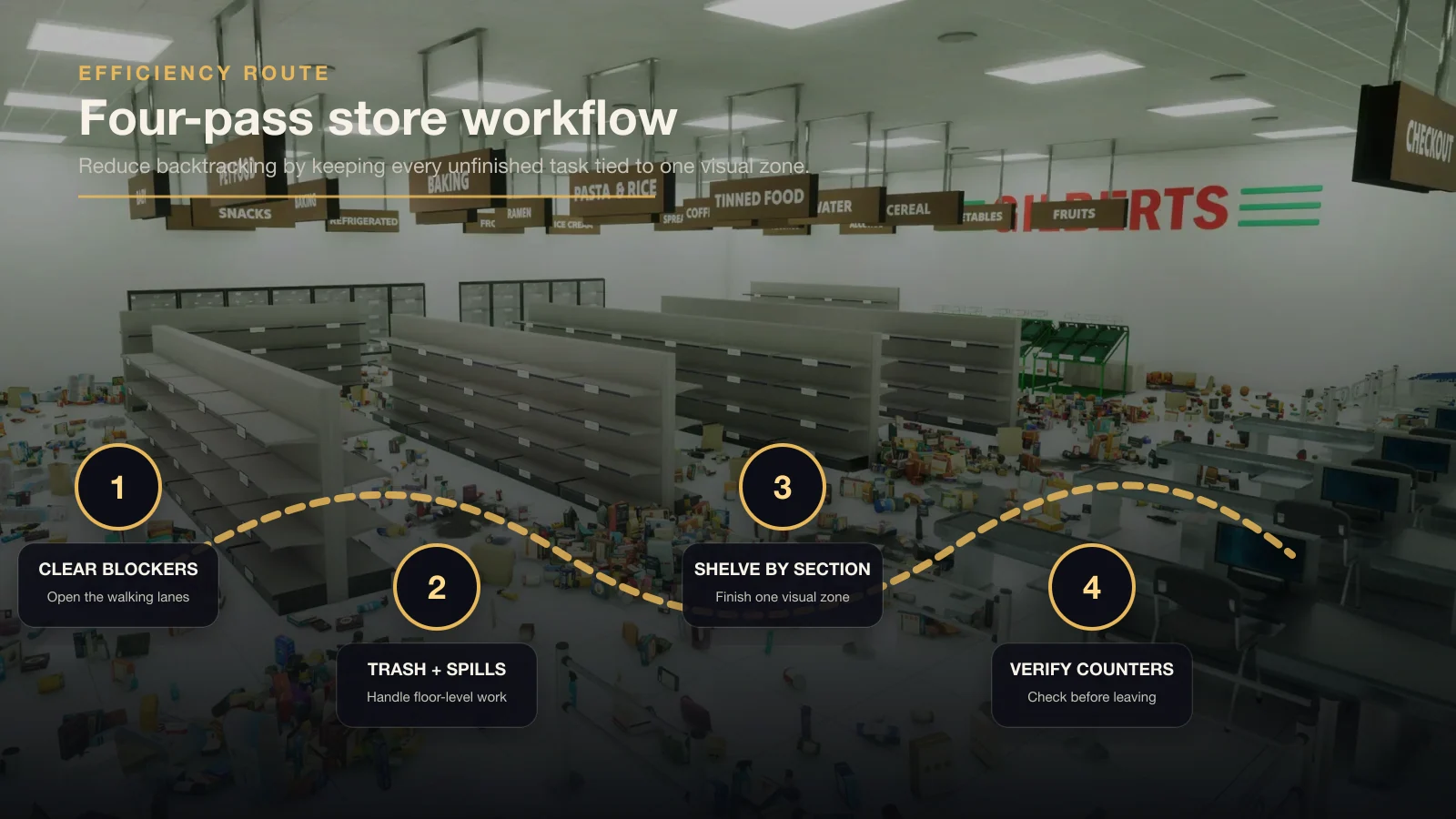
A four-pass store workflow keeps the search local and reduces expensive mall-wide backtracking.
The 100% walkthrough follows the same rhythm. Every store you finish properly the first time is one less place you have to reopen and scan again later.
What counts as 100% completion?
Do not use the raw 30,000-task milestone as your finish line.
Steam lists a separate achievement called A job almost done for completing 30,000 tasks, while Custodian of the Year is awarded for fully cleaning the entire mall. In other words, you can cross 30,000 tasks and still have unfinished cleanup elsewhere.
A stronger 100% checklist is:
- Clear all 18 named stores tracked by store-completion achievements.
- Clear all 4 mall areas tracked by area-completion achievements.
- Treat 30,000 tasks as a progress milestone, not proof that every location is finished.
- Confirm Custodian of the Year for the full-mall clear.
- If you want achievement completion rather than only a clean mall, compare your list against all 33 Steam achievements.
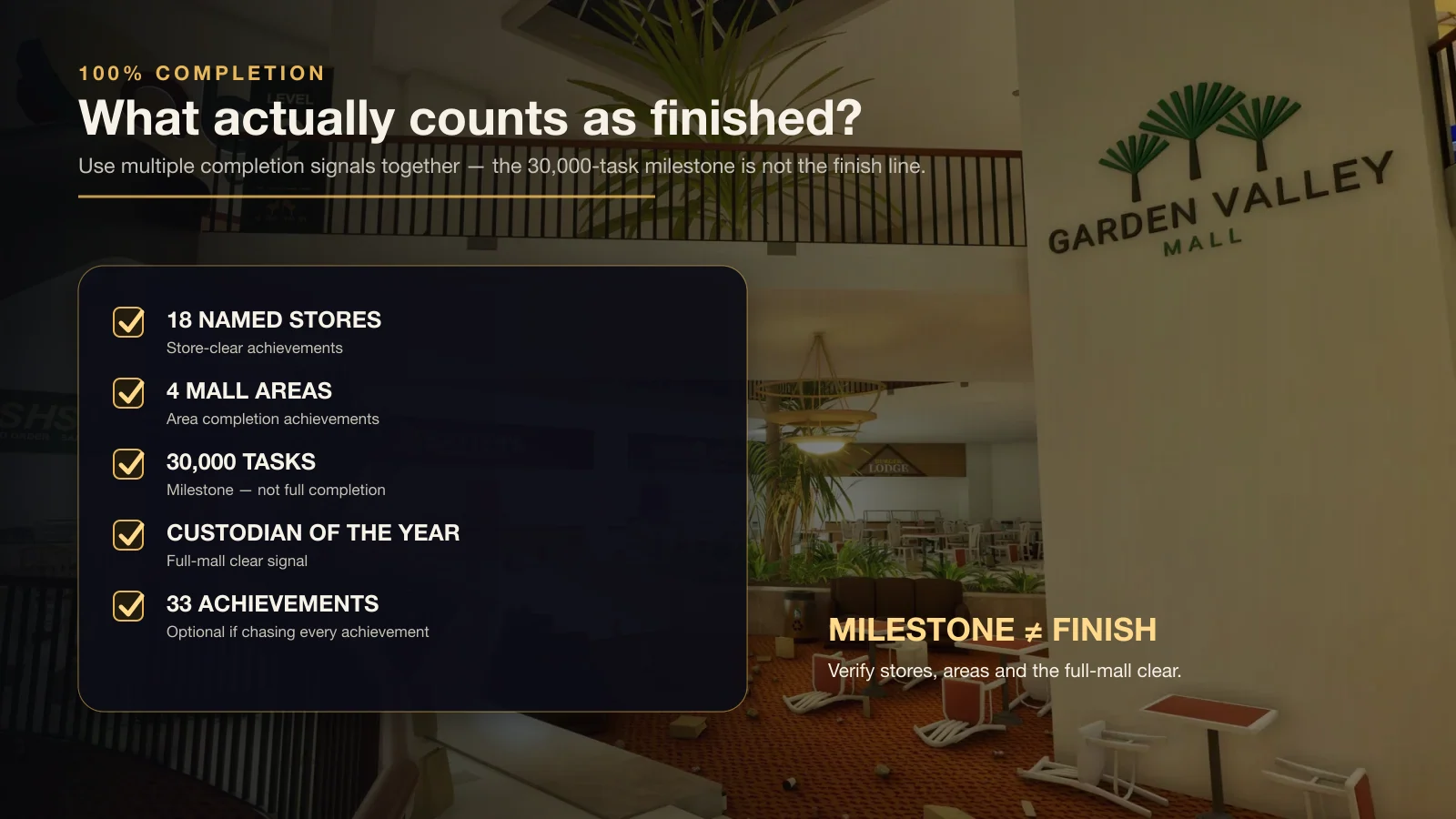
Use multiple completion signals together. The 30,000-task achievement appears before the true full-mall completion achievement.
For the complete achievement list, open the all achievements guide.
Which time estimate should you use?
Use the estimate that matches how you intend to play:
| Play style | Planning estimate | Why |
|---|---|---|
| Focused, ability-assisted full clear | Around 16–18 hours | Matches the clearest early public completion samples |
| Relaxed, methodical cleanup | 20+ hours is plausible | More shelf organization, exploration, and rechecking |
| Challenge or low-ability run | Can stretch much longer | A no-actives reviewer already shows 32.3 hours on record |
| First run while learning systems | Plan extra time | Early mistakes and route learning add backtracking |
Treat these as rough planning ranges, not guaranteed finish times. The game is still new, the pool of clearly documented completions is small, and two players can lose very different amounts of time to shelving, exploration, or the final cleanup.
If your goal is simply to experience the game without optimizing, ignore the stopwatch and clean at your own pace. If your goal is an efficient full clear, the best time-saving habit is to finish one bounded area, verify its counter, and only then move on.
What should you read next?
- Follow the full Black Friday Janitor 100% walkthrough for store and area completion checks.
- Learn the current Gather ability behavior before relying on older launch-day advice.
- Use the missing tasks troubleshooting guide when the last few tasks stop your run.
- Check the all achievements guide if your goal is all 33 achievements.
- Review the v1.0.4 patch notes for the current launch-week changes.
For now, expect a high-teens full clear if you stay organized, and 20+ hours if you play more slowly or spend a lot of time on final cleanup. The range will get easier to judge once more players publish clearly documented full-clear times.
Sources and further reading
FAQ
How long does Black Friday Janitor take to beat?
Can Black Friday Janitor take more than 20 hours?
Does 30,000 tasks mean I have finished the whole mall?
What makes a Black Friday Janitor run faster?
How many tasks are in Black Friday Janitor?
Related Articles
guides
Black Friday Janitor Achievement Not Unlocking: Fixes 2026
Fix Black Friday Janitor achievement problems in 2026 by checking task milestones, store completion, game version, and the 30K/full-mall difference.
guides
Black Friday Janitor Gilberts Missing Task: 2026 Fix Guide
Find a missing Gilberts task in Black Friday Janitor with a careful 2026 search plan for wider areas, upper spots, shelf signs, and counters.
guides
Black Friday Janitor: Clean the Whole Mall 100% Walkthrough
Stuck on the last few tasks? Track all 18 stores and 4 mall areas, check Gather changes, and work through missing-task and 100% completion checks in v1.0.4.
Was this helpful?
Thanks for the feedback!