
Black Friday Janitor Missing Tasks: Fix Stuck Counters 2026
Fix Black Friday Janitor missing tasks in 2026 with store-specific checks for Appliances Galore, Gilberts, Gather, shelving, and counters.
A store can look finished while its counter still says otherwise. Searching the whole mall again is usually the least useful response because the remaining category already tells you what kind of object or interaction to look for. This hub collects the strongest leads currently documented on the site: a developer-confirmed boundary case for Appliances Galore, community reports for Gilberts, official Gather feedback for range and inventory capacity, and current shelf-placement changes from v1.0.5. The goal is to narrow the search without pretending there is one hidden object that appears in the same place on every save.

Which missing-task problem are you trying to solve?
- Appliances Galore stuck at 181/182
- Gilberts missing trash or last task
- Gather is not pulling the item
- Shelving or sign confusion
- A store is clean but the counter is still incomplete
What should you check in Appliances Galore?
Appliances Galore has the strongest store-specific evidence on this site. In a Steam discussion about missing trash, the developer confirmed that some objects can sit slightly outside the visible store while still counting toward its tasks.
That makes the storefront threshold and nearby outside area worth checking after the inside sweep. It does not establish one permanent spawn point or a fixed distance.
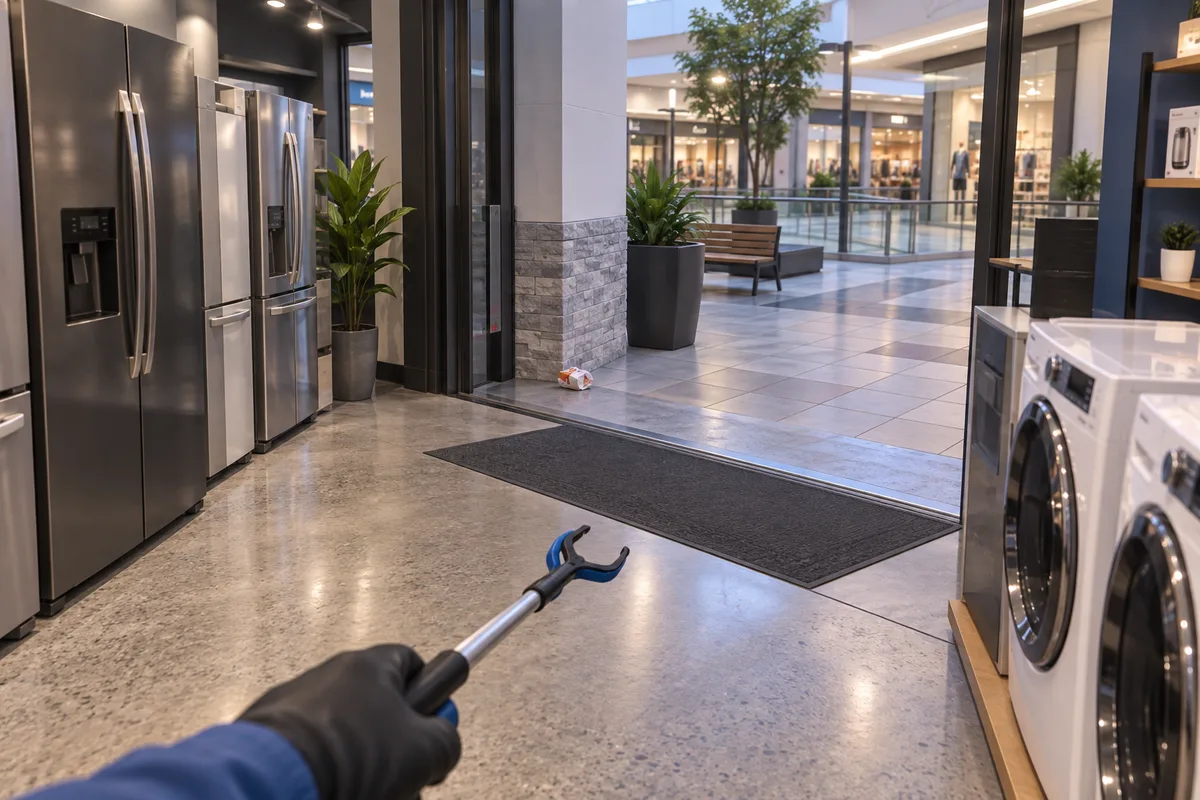
AI-generated editorial visualization of the boundary check. The object position is illustrative.
If your counter is specifically stuck at 181/182, use the dedicated Appliances Galore missing task guide. It separates confirmed behavior from unverified reload and location claims.
Where should you search in Gilberts?
Gilberts has community reports rather than a developer-confirmed boundary rule. Players have reported widening the search and checking upper areas, while another report describes confusing signs.
Use those reports as a search order. Start with the unfinished task category, work around the perimeter, inspect upper shelves or display areas, and check the counter after each plausible action.
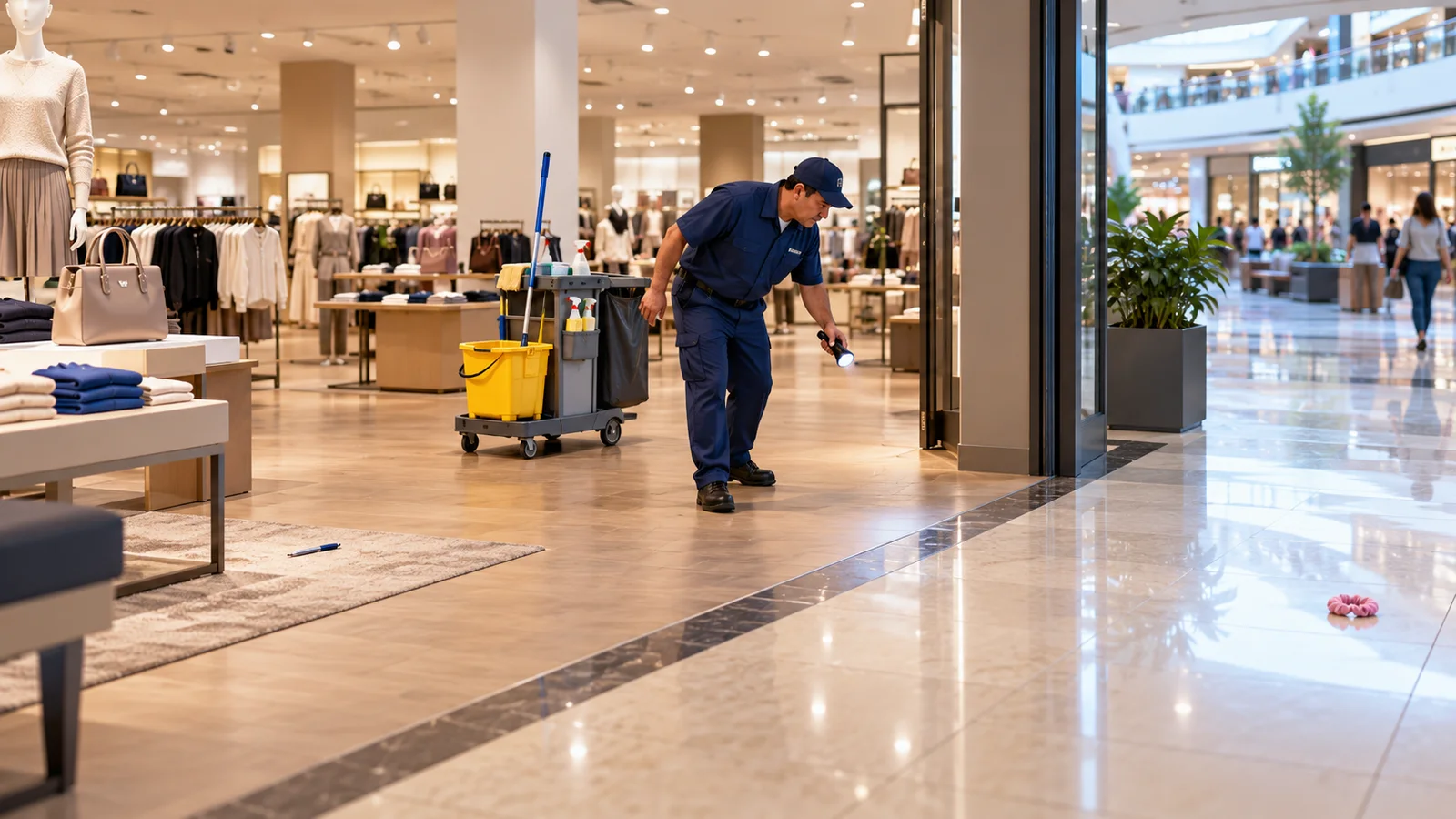
AI-generated editorial illustration. It does not mark a verified Gilberts item spawn.
The Gilberts missing task guide turns those reports into a step-by-step search without overstating the evidence.
What if Gather is not working?
A failed Gather pull can look like a missing object problem even when the object is visible. Patch v1.0.1 documents two normal failure states: the target may be outside the current Gather radius, or the inventory may be full.
Patch v1.0.4 also made cross-store pulls much less likely for shared items without saying they were impossible. Check range, capacity, and store context before assuming the object itself is broken.
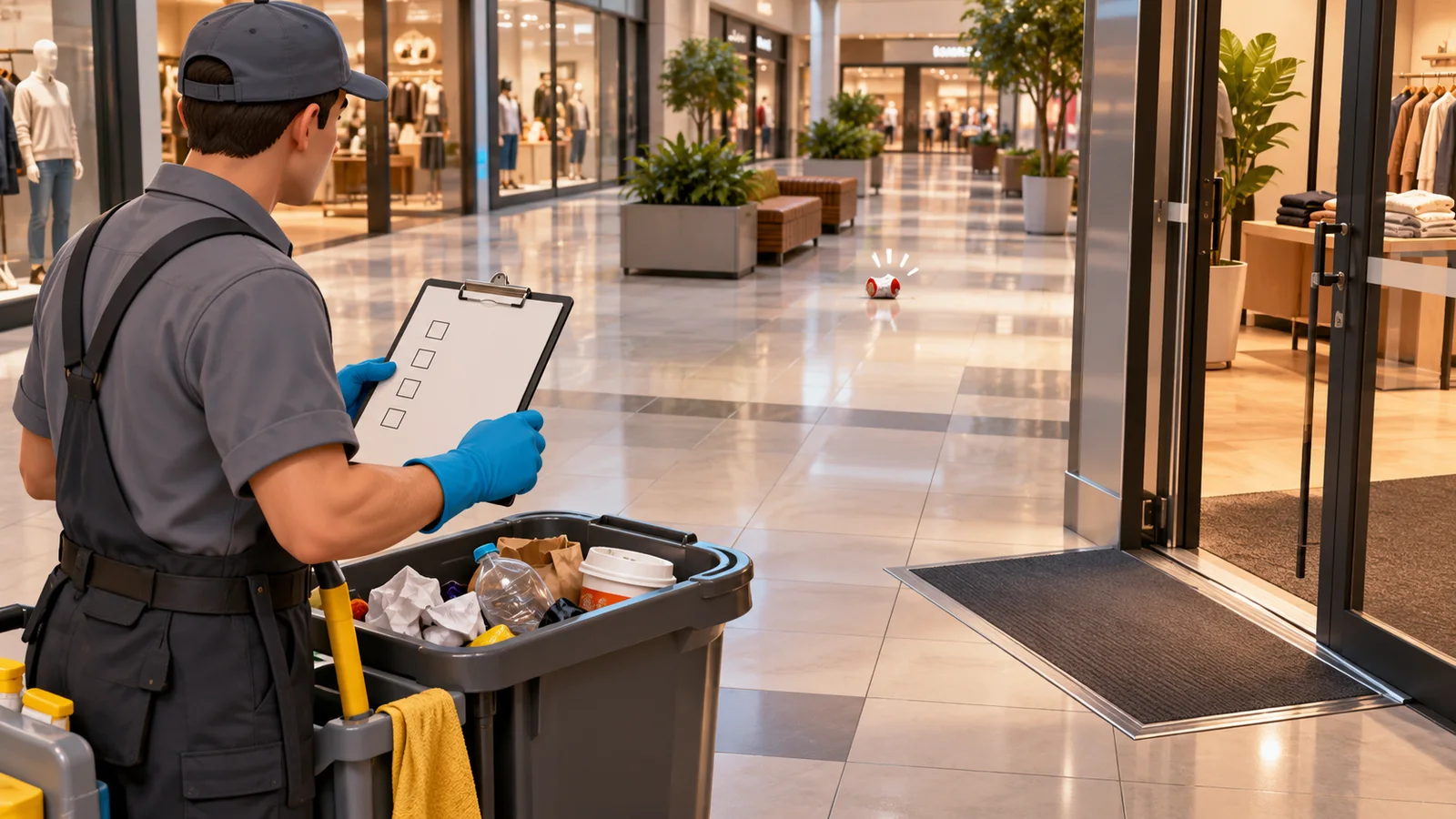
AI-generated troubleshooting illustration. It does not show an official Gather radius.
Use the focused Gather not working guide for the shortest diagnosis path, or the broader Gather ability guide for patch history and normal use.
What if shelving is the remaining task?
Shelving deserves a separate pass because moving the wrong product can create more confusion. Check the destination cue before picking up an item that already appears correctly placed.
Patch v1.0.5 changes two relevant parts of shelf interaction: the shelf pickup key can now be rebound, and most items are placed back to front unless the item has multiple colors. The patch does not state that every shelf-label or placement problem is fixed.
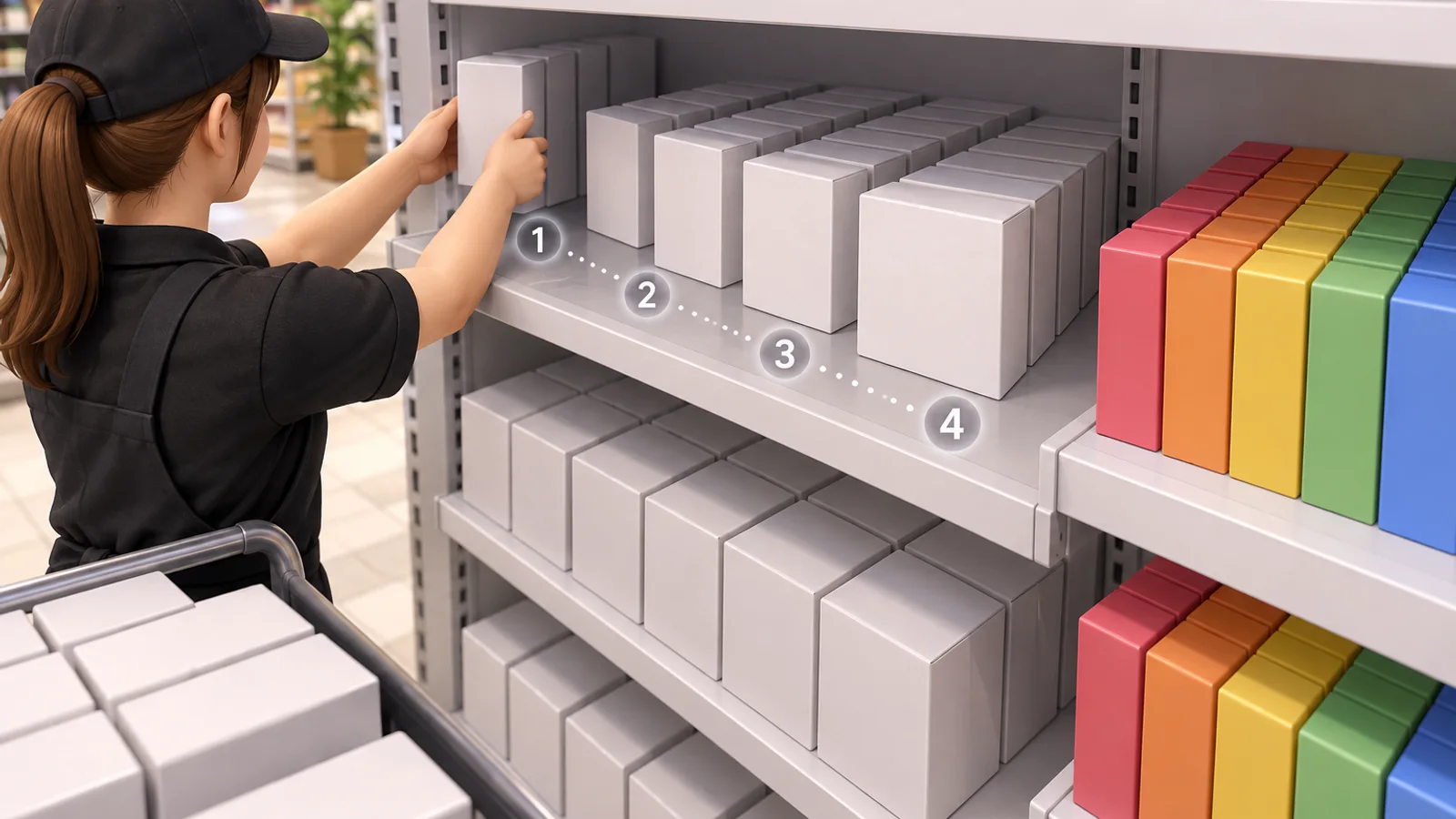
AI-generated editorial illustration of the v1.0.5 shelf-placement concept.
For broader placement habits, continue with tips and common mistakes and the v1.0.5 patch guide.
How do you run a final counter check?
Use the remaining category as your filter and make one change at a time:
- Record the current task type and count.
- Inspect the inside perimeter for that category.
- Follow the relevant store-specific evidence before widening the search.
- Clean, place, or correct one candidate.
- Recheck the counter before moving to another category.
- Record the store, count, and game version if the problem persists.
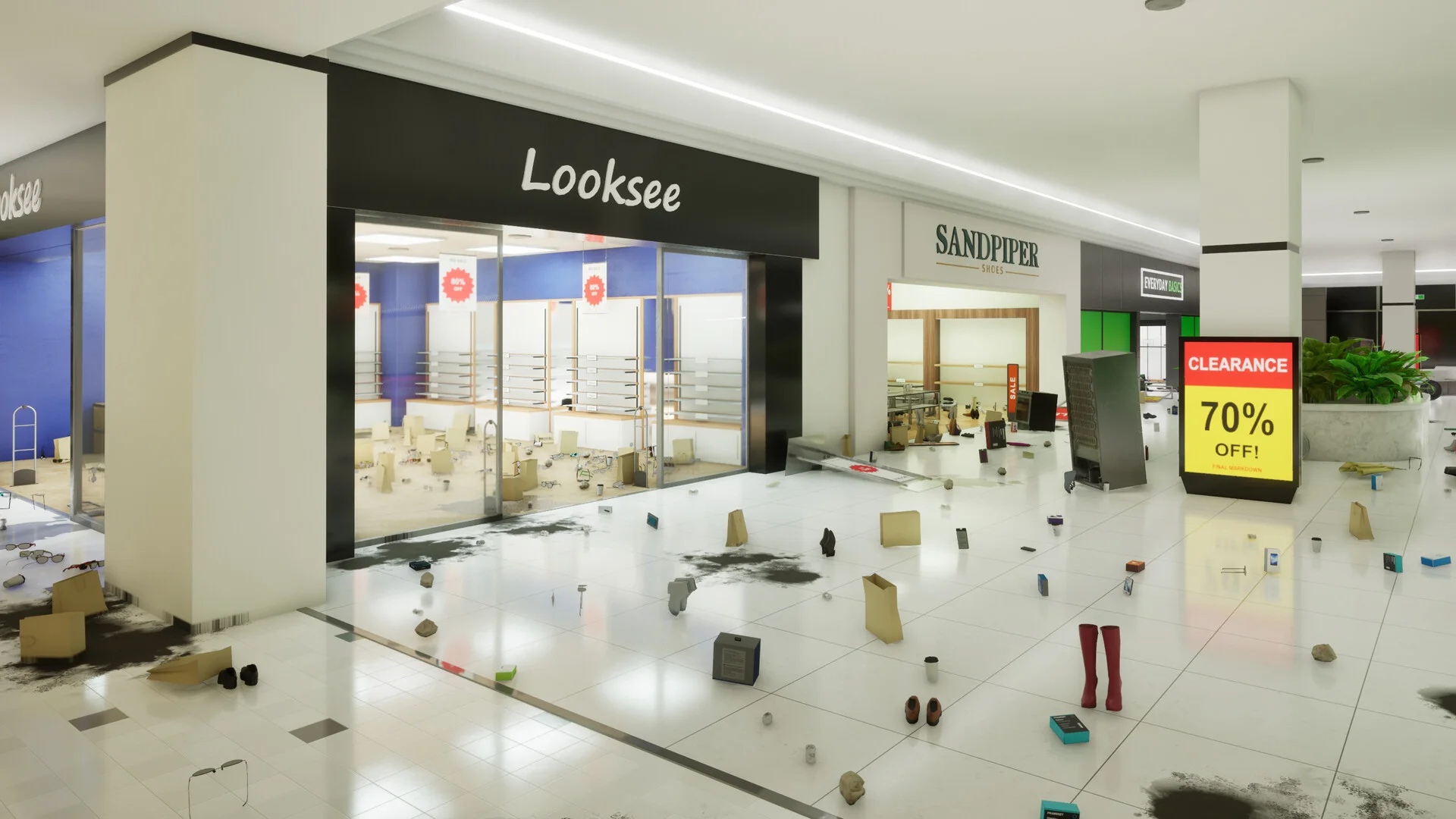
A checklist keeps the last search tied to the category that is actually incomplete.
This method is slower than following an unverified map pin, but it preserves the evidence that tells you whether a candidate task belonged to the store.
What should you read after the counter reaches 100%?
If the missing task was blocking an achievement, check the new achievement not unlocking guide and the all achievements reference. For the rest of the mall, the 100% walkthrough keeps the store and area checks in one place.
Sources
FAQ
Why is a Black Friday Janitor store counter stuck?
Can an Appliances Galore task be outside the store?
Where should I look for a missing Gilberts task?
Can Gather make a missing-task search more confusing?
Related Articles
guides
Black Friday Janitor Gilberts Missing Task: 2026 Fix Guide
Find a missing Gilberts task in Black Friday Janitor with a careful 2026 search plan for wider areas, upper spots, shelf signs, and counters.
guides
Black Friday Janitor: Clean the Whole Mall 100% Walkthrough
Stuck on the last few tasks? Track all 18 stores and 4 mall areas, check Gather changes, and work through missing-task and 100% completion checks in v1.0.4.
guides
Black Friday Janitor Achievement Not Unlocking: Fixes 2026
Fix Black Friday Janitor achievement problems in 2026 by checking task milestones, store completion, game version, and the 30K/full-mall difference.
Was this helpful?
Thanks for the feedback!