
Black Friday Janitor Gilberts Missing Task: 2026 Fix Guide
Find a missing Gilberts task in Black Friday Janitor with a careful 2026 search plan for wider areas, upper spots, shelf signs, and counters.
Gilberts can be awkward to troubleshoot because a nearly clean store gives you very little information about what the last task is. The evidence available for this store is also weaker than the developer-confirmed Appliances Galore boundary case. Players have reported widening the search around Gilberts and checking upper areas, and another community report describes confusing signs. Those reports are useful search leads, but they do not prove one permanent trash spawn or a universal hidden-item location. The safest method is to identify the unfinished task type, search one area at a time, and watch the store counter after each change.
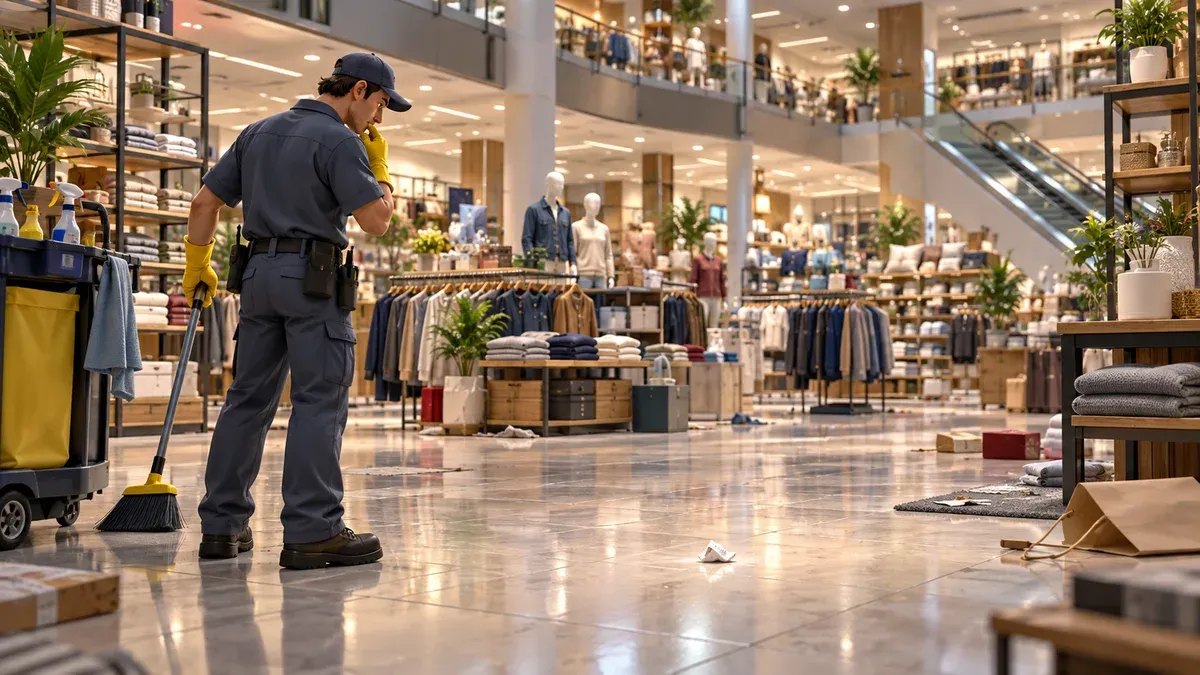
What should you check first in Gilberts?
- Confirm the unfinished task type
- Widen the search carefully
- Check upper shelves and display areas
- Slow down around shelf signs
- Use the counter to verify each candidate
How do you identify the missing Gilberts task?
Before searching, note which task category is still incomplete. Trash, shelving, spills, and fallen objects lead to different visual checks. The raw percentage or remaining count does not tell you enough by itself.
Use a simple baseline:
- Write down the unfinished category and current count.
- Finish one obvious candidate inside the store.
- Check whether the counter changes.
- If it does not, keep the same category in mind and widen the search.
This one-change-at-a-time method matters because the public reports do not give a reliable map pin for the last Gilberts object.
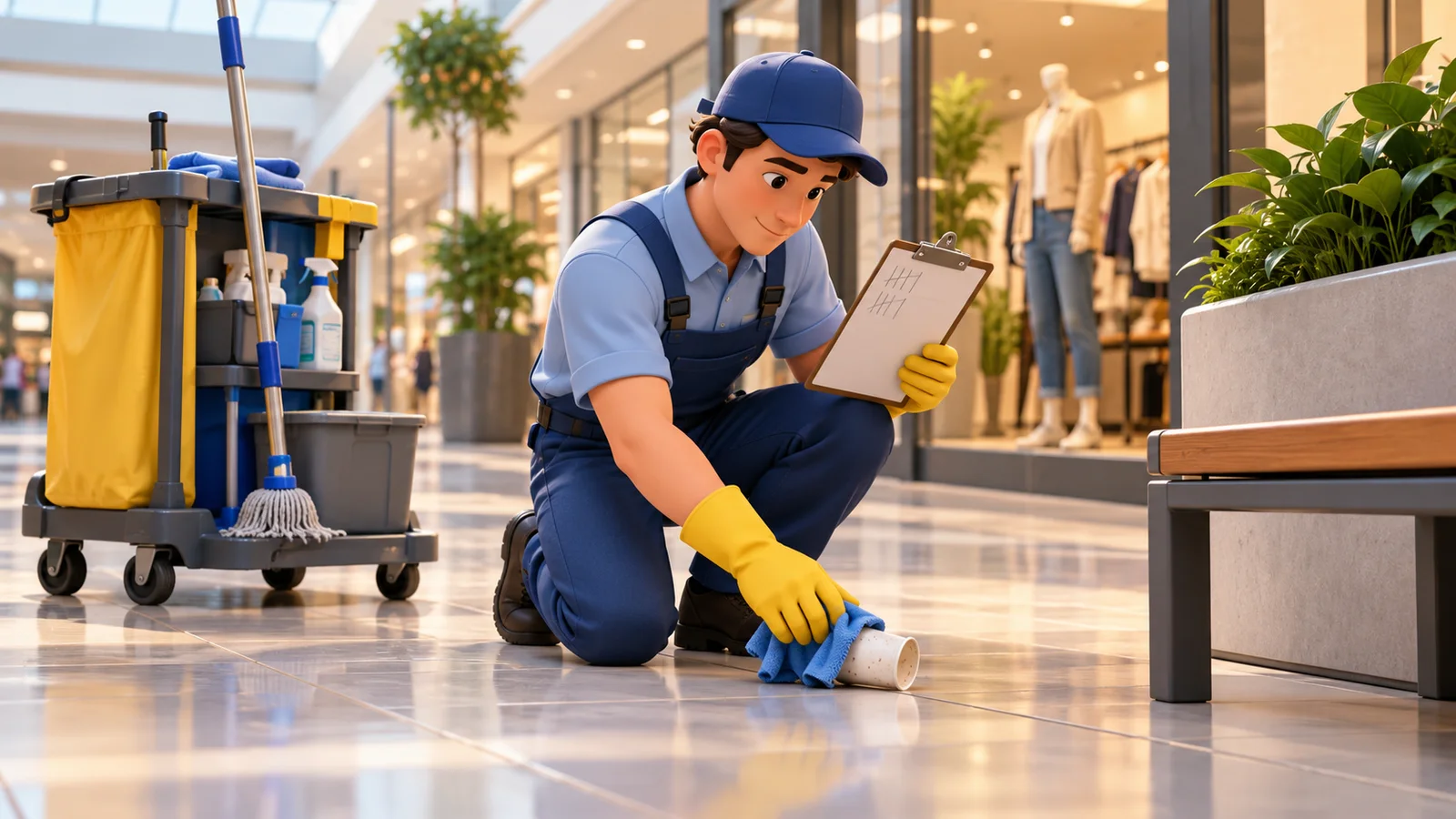
AI-generated editorial illustration of counter verification. The object and position are not a confirmed spawn.
Where should you search around Gilberts?
Community reports suggest checking more than the obvious center of the store. That supports a wider perimeter search, but it does not establish a developer-confirmed Gilberts boundary rule.
Work outward in a repeatable order. Scan the inside perimeter first, then the storefront edge and nearby surrounding space. Keep checking the same task category instead of picking up unrelated objects just because they are nearby.
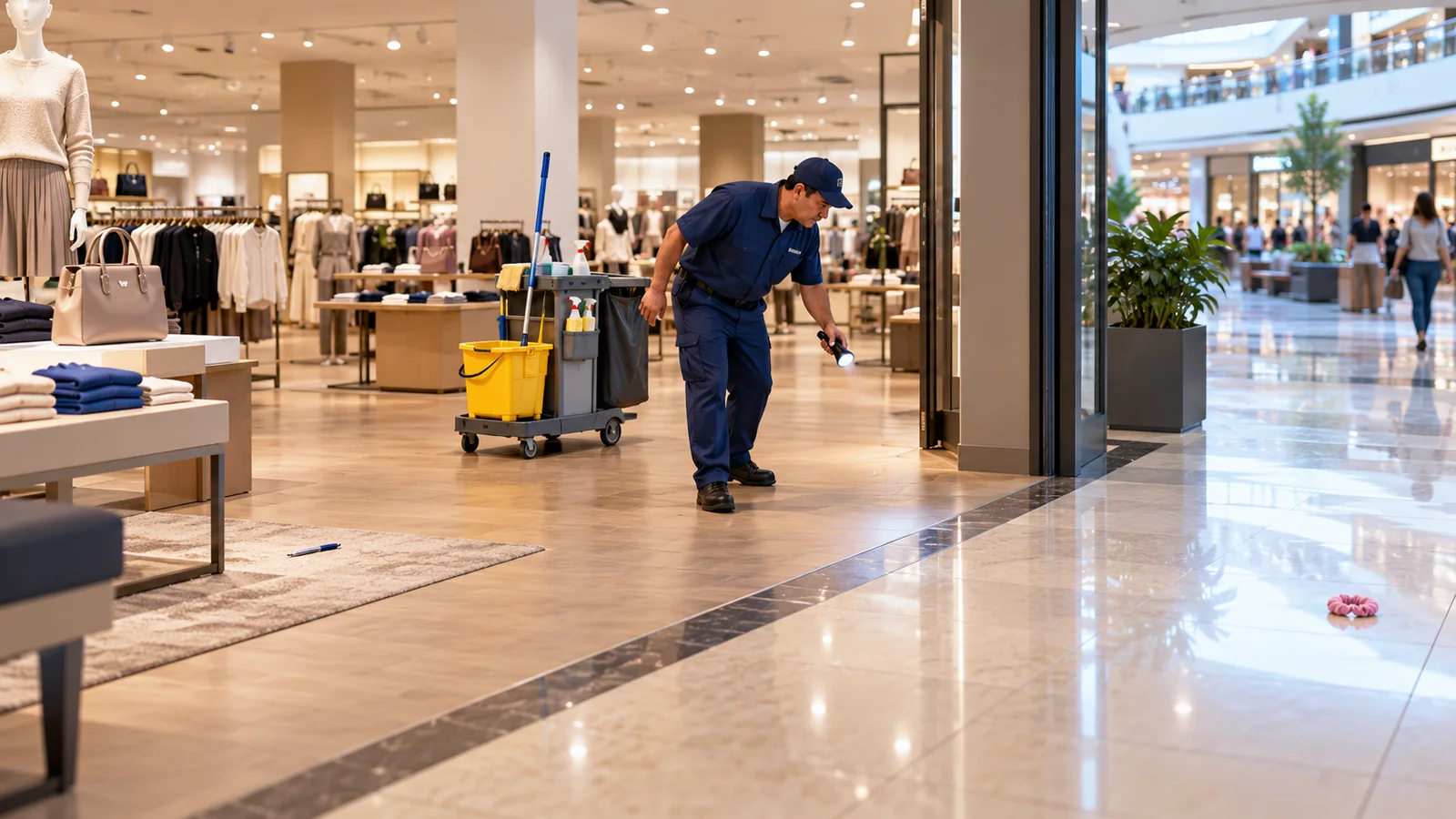
AI-generated wide-area search illustration. It shows a method, not a documented Gilberts boundary distance.
If you are stuck in another store, the general missing tasks guide separates the Gilberts community reports from the stronger developer confirmation for Appliances Galore.
Should you check upper areas in Gilberts?
Yes, as a community-sourced search lead. Players looking for missing Gilberts cleanup have reported checking upper areas. That makes tall shelves, raised displays, and visually busy upper sections worth a deliberate pass after the floor and perimeter checks.

AI-generated editorial illustration of an upper-area search. It does not identify an official item position.
Avoid turning the report into a stronger claim than the source supports. There is no verified list of exact upper-level coordinates in this guide.
How should you handle confusing shelf signs?
A separate Gilberts community report describes confusing signs. If shelving is the unfinished category, slow down before moving an item that already appears to be placed correctly.
Compare the product with the destination cues you can actually see, place one item, then check whether the store count changes. That avoids creating a second problem while you are trying to solve the first.

AI-generated editorial illustration. The blank signs avoid inventing in-game labels or shelf assignments.
The updated tips and common mistakes guide covers the same habit in a broader cleanup workflow.
How do you verify the last Gilberts task?
The counter is your best confirmation tool when the location itself is uncertain. Clean or place one plausible object, then look for a change before moving on.
| Result | What it tells you |
|---|---|
| The relevant count changes | The action contributed to the remaining Gilberts work |
| Nothing changes | Keep searching the same task category instead of assuming success |
| Shelving remains incomplete | Recheck destination cues before moving already placed products |
| The store still appears clean | Record the remaining category, count, and version before asking for help |
Patch v1.0.5 does not announce a Gilberts-specific missing-task fix. It changes shelf pickup key rebinding, shelf placement behavior for most items, mall-loading stability, and some item-label typos. If your problem began around shelving, the v1.0.5 patch guide explains those current changes.
Conclusion and related guides
For a Gilberts counter that will not finish, search by task category rather than by rumor. Widen the perimeter, check upper areas because players have reported success looking there, and slow down around confusing shelf signs. Verify each candidate against the store counter before treating it as the missing task.
For other stores, use the missing tasks troubleshooting guide. If Appliances Galore is the problem, the 181/182 guide has a developer-confirmed boundary lead. For a full clear, continue with the 100% walkthrough.
Sources
FAQ
Where is the missing Gilberts trash in Black Friday Janitor?
Can a Gilberts task be outside the obvious store area?
Why can shelving be confusing in Gilberts?
Did v1.0.5 include a Gilberts missing-task fix?
Related Articles
guides
Black Friday Janitor Achievement Not Unlocking: Fixes 2026
Fix Black Friday Janitor achievement problems in 2026 by checking task milestones, store completion, game version, and the 30K/full-mall difference.
guides
Black Friday Janitor How Long to Beat — Completion Time Guide 2026
See how long Black Friday Janitor takes, with a reported 16–17 hour full clear, task counts, pace factors, and 100% completion tips.
guides
Black Friday Janitor: Clean the Whole Mall 100% Walkthrough
Stuck on the last few tasks? Track all 18 stores and 4 mall areas, check Gather changes, and work through missing-task and 100% completion checks in v1.0.4.
Was this helpful?
Thanks for the feedback!