
Black Friday Janitor Beginner Guide: Best Start in 2026
Start Black Friday Janitor in 2026 with a store-by-store cleanup route, Gather troubleshooting, v1.0.5 shelf changes, saving, and completion checks.
Black Friday Janitor gives you a huge mall and thousands of small cleanup actions, so the first run becomes much easier once you stop treating the mall as one job. Learn one store at a time, watch its counters, and leave only after you know what still remains. The same habit also makes later troubleshooting simpler because you can tell whether the unfinished work is shelving, trash, spills, or a fallen object. On the current v1.0.5 build, new shelf controls and placement behavior matter too, while the older v1.0.4 color-balancing rule still applies only to new runs.
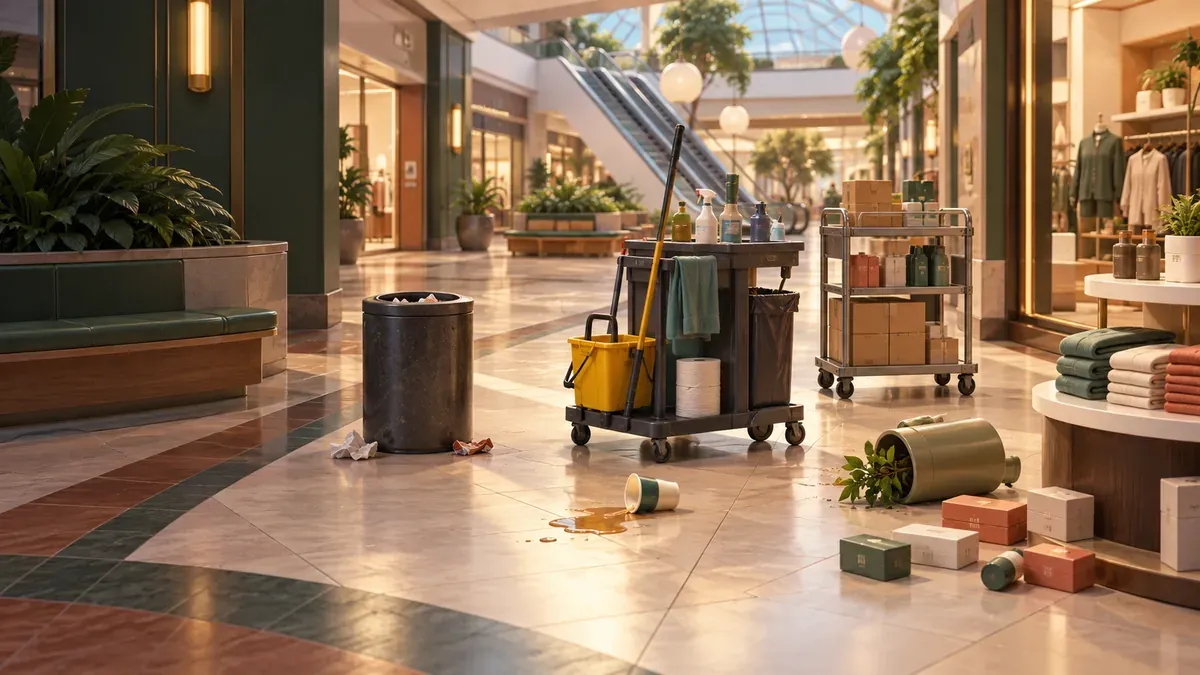
What should a new player learn first?
- The four cleanup task types
- A store-by-store first shift route
- How to diagnose Gather
- What v1.0.5 changes on shelves
- How to avoid a painful final cleanup
What are the four core cleanup tasks?
The official game description centers the cleanup loop on four kinds of work:
- Shelve misplaced products.
- Collect trash.
- Clean spills.
- Stand fallen objects back up.
The Steam store describes more than 21,000 items to shelve, 10,000 pieces of trash, 500 spills, and 300 fallen objects across the mall. The exact totals are less important to a beginner than the way each category appears in local progress. When one category remains, search for that category instead of rescanning every object in sight.
What is a good first shift route?
A four-pass store routine keeps the work local:
- Clear obvious fallen objects and floor clutter so movement is easier.
- Collect visible trash and clean spills while you learn the store shape.
- Handle shelving once you can read the product destinations without rushing.
- Check the store counter, then make a final pass only for the unfinished category.
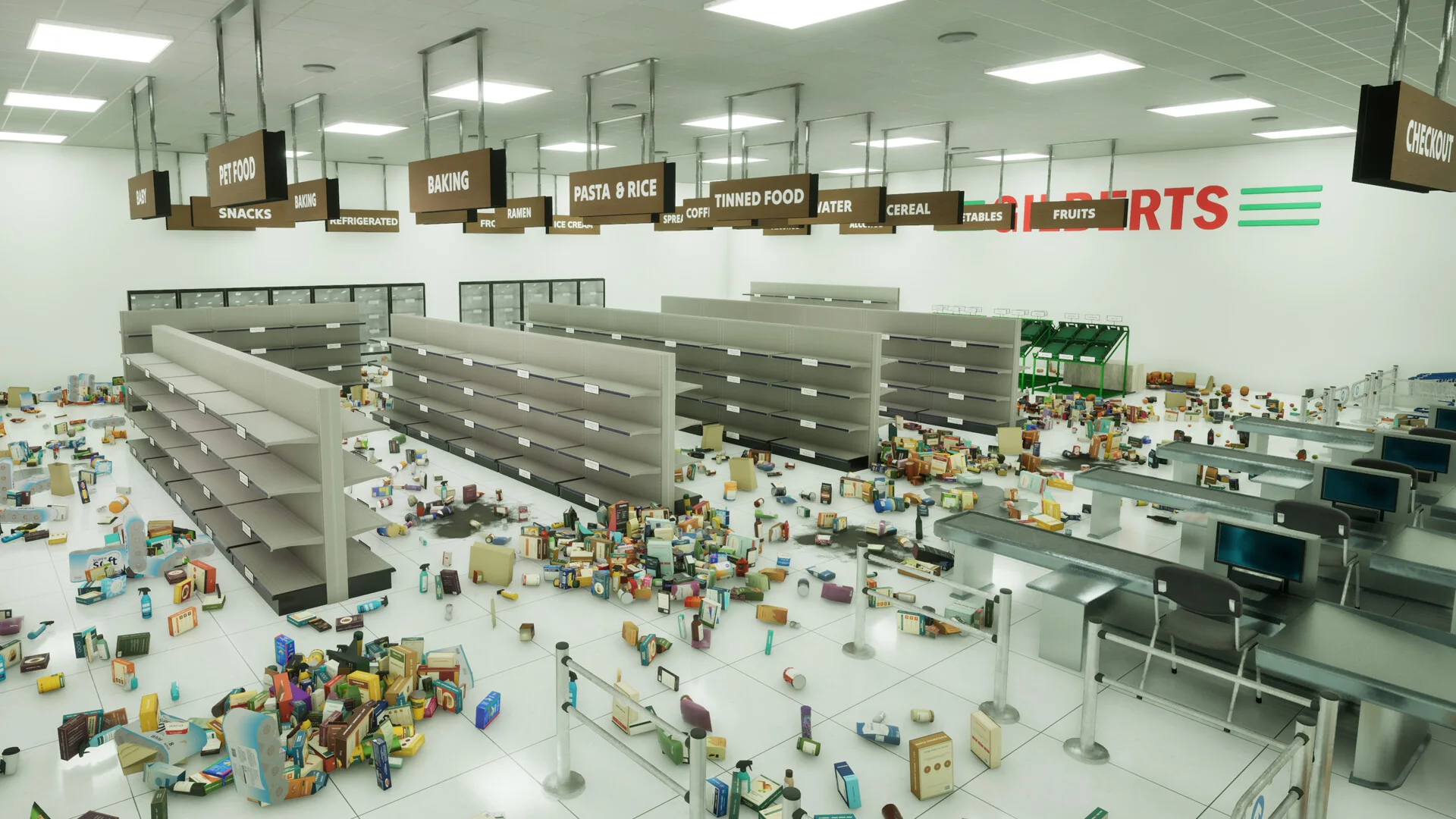
A four-pass route keeps mistakes inside one store instead of spreading them across the mall.
If the last pass still leaves a counter incomplete, use the missing tasks hub rather than starting the whole mall over.
How should a beginner use Gather?
Gather is easier to understand when you treat a failed pull as a diagnosis problem. Patch v1.0.1 increased the early-level radius and added feedback for two conditions: the target is outside the current radius, or the inventory is full.
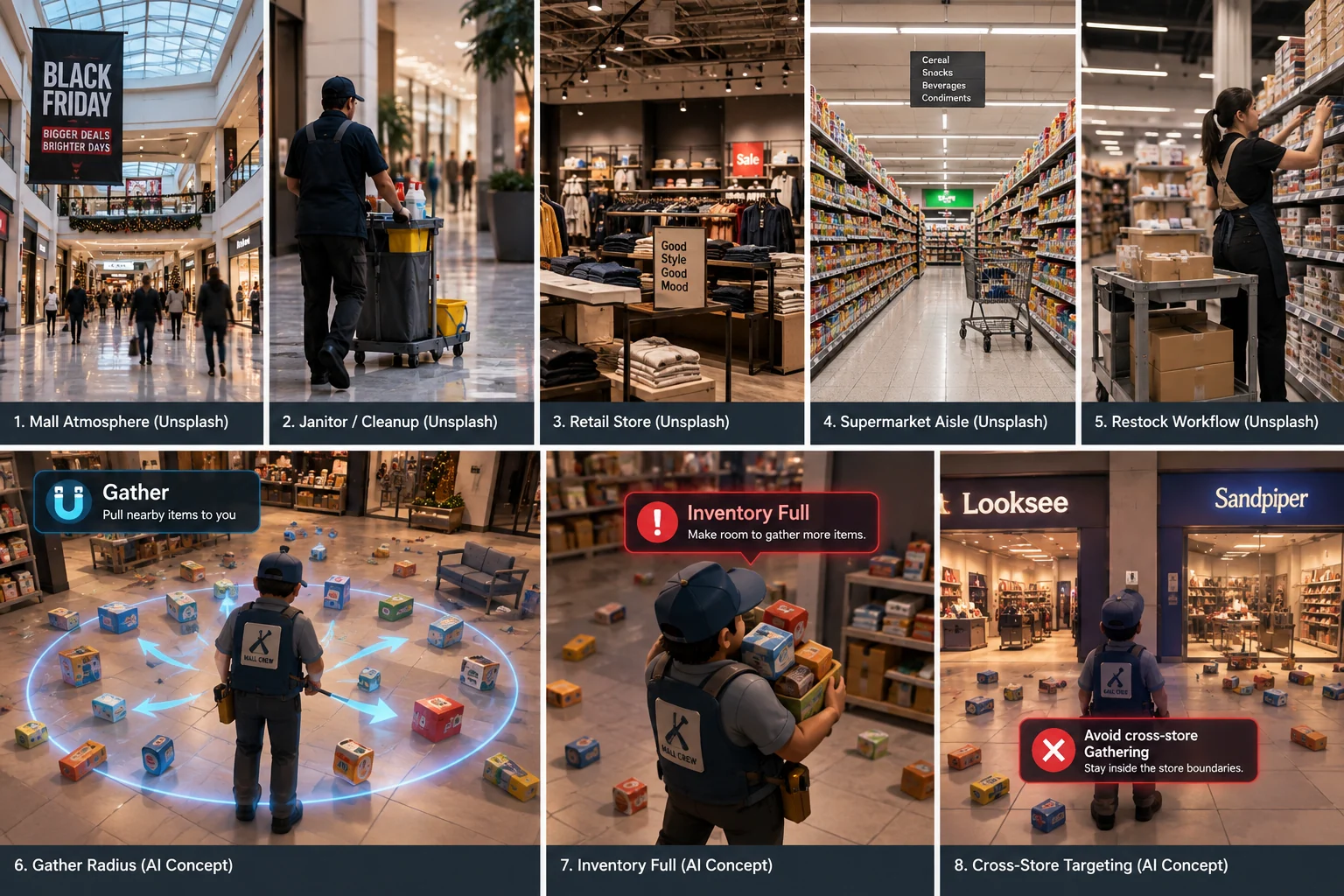
AI-generated editorial overview of Gather concepts. It does not show an official radius.
When Gather does nothing, read the feedback first. If range is the issue, move closer and retry the same object. If inventory is full, make room first. Near storefronts, remember that v1.0.4 made cross-store pulls much less likely for shared items but did not remove the possibility completely.
The Gather not working guide is the shortest troubleshooting path. The full Gather guide covers the mechanic in more detail.
What changed for shelving in v1.0.5?
Patch v1.0.5 makes two shelf changes worth knowing on a first run. You can rebind the key used to pick up items from shelves, and most items now place from back to front. Multicolor items are the stated exception to the always-back-to-front rule.
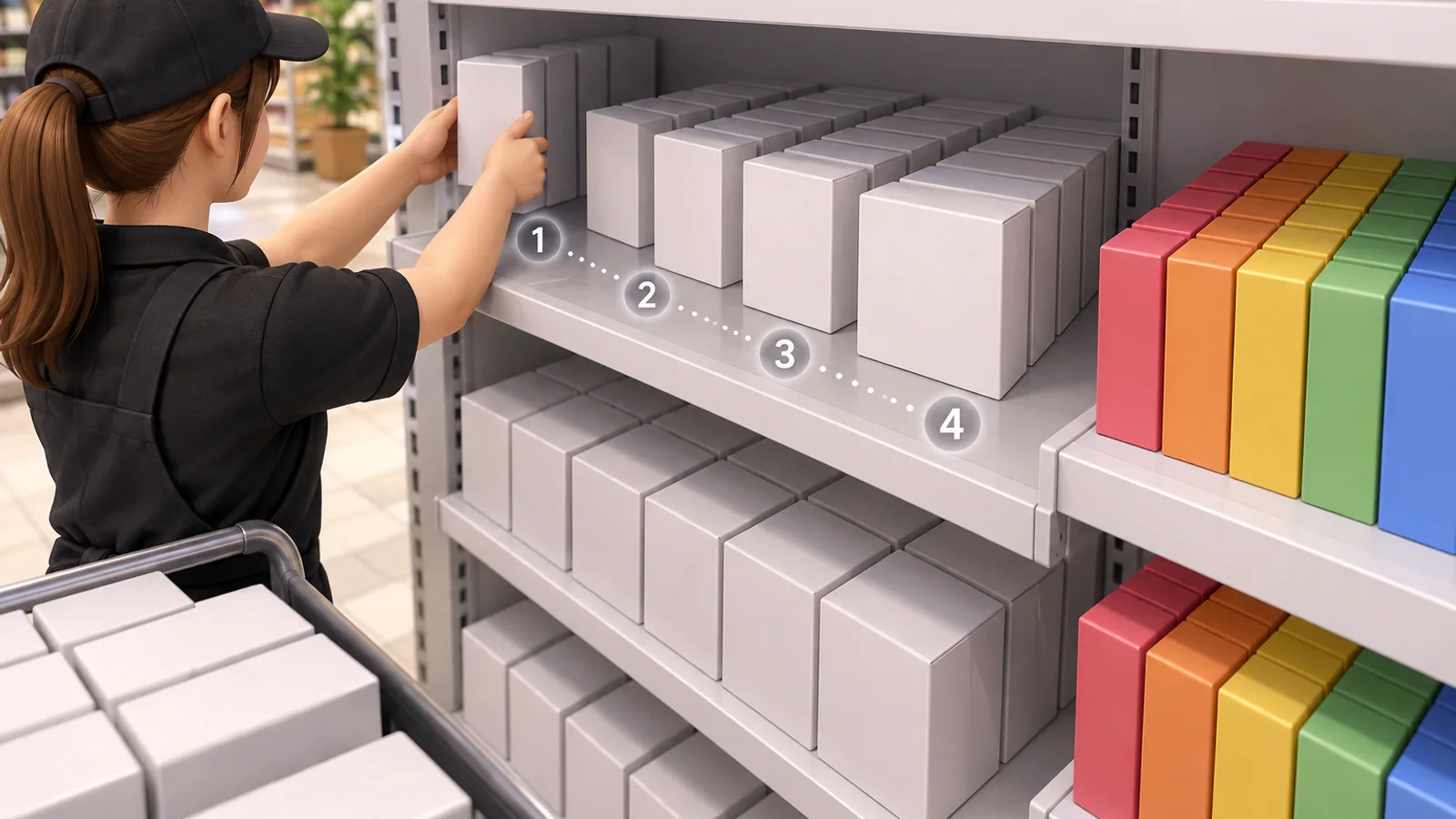
AI-generated editorial illustration of the documented shelf-placement concept.
Do not confuse this with the v1.0.4 color update. Even color distribution applies to newly created runs, while existing saves keep the colors assigned when they were created. The v1.0.5 announcement does not state that its shelf control or placement changes require a new save.
For the current patch details, see the v1.0.5 update guide.
How do you avoid the last one percent search?
Before leaving a store, write down what is incomplete. If the counter still shows shelving, do a shelving pass. If trash remains, search the floor and relevant perimeter areas. Keeping the search tied to the task category prevents a late-game sweep where every store becomes a suspect again.
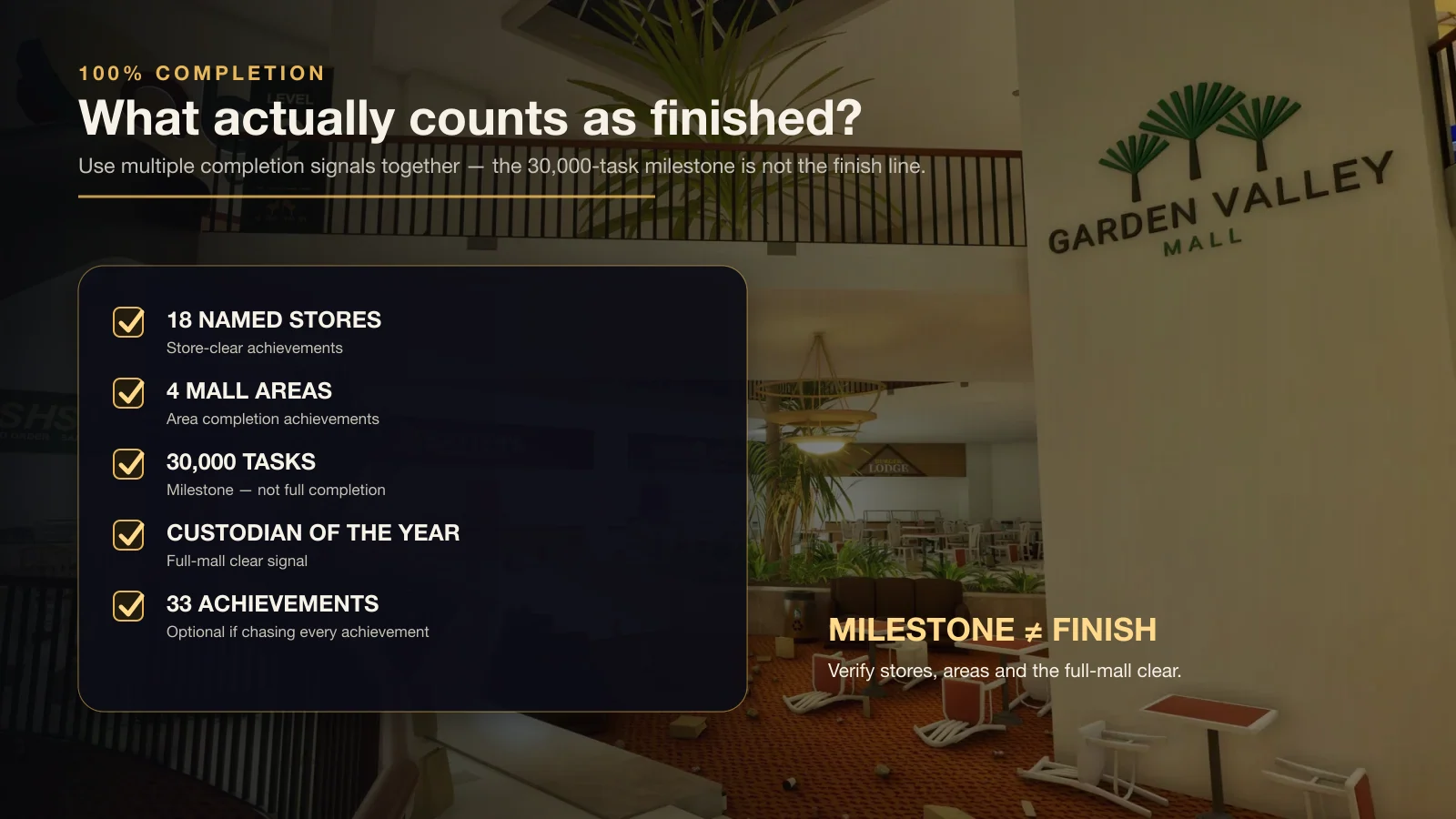
Use store and area completion together. The 30,000-task milestone is separate from full-mall completion.
Steam lists a task milestone for 30,000 completed tasks and a separate Custodian of the Year achievement for fully cleaning the mall. Reaching the milestone does not prove every location is finished.
If achievements are your goal, use the all achievements reference and the achievement troubleshooting guide.
What should you keep in mind on the current version?
Use v1.0.5 as the current public baseline documented on this site. The patch adds shelf pickup key rebinding, back-to-front placement for most items, a mall-loading stability change that helped some users, and several item-label typo fixes. It does not announce a new Gather radius or a new completion system.
The practical first-run habit stays simple: finish a bounded area, check the counter, and only then move on.
Conclusion and next guides
Start with one store, learn the four task categories, use Gather feedback instead of guessing, and check the counter before leaving. That routine makes the early game easier and gives you cleaner evidence when one task later refuses to complete.
Continue with tips and common mistakes, the missing tasks hub, and the 100% walkthrough as your run becomes more completion-focused.
Sources
FAQ
What should a beginner do first in Black Friday Janitor?
Why does Gather sometimes do nothing?
Do I need a new save for Black Friday Janitor v1.0.5?
Does 30,000 tasks mean the mall is fully complete?
Related Articles
guides
Black Friday Janitor Achievement Not Unlocking: Fixes 2026
Fix Black Friday Janitor achievement problems in 2026 by checking task milestones, store completion, game version, and the 30K/full-mall difference.
guides
Black Friday Janitor How Long to Beat — Completion Time Guide 2026
See how long Black Friday Janitor takes, with a reported 16–17 hour full clear, task counts, pace factors, and 100% completion tips.
guides
Black Friday Janitor: Clean the Whole Mall 100% Walkthrough
Stuck on the last few tasks? Track all 18 stores and 4 mall areas, check Gather changes, and work through missing-task and 100% completion checks in v1.0.4.
Was this helpful?
Thanks for the feedback!